Sun Mode

updated 12.18.25
Motra / App & Product
A connected chair that strengthens you.
Envisioning a future where baby boomers can confidently age in place through intelligent, supportive systems.
Role
Interaction Designer
Timeline
10 weeks
June – August 2025
Team
Alana Ikemoto (ID)
Tyler Kim (ID)
Elisha Jeon (IxD)
Skills
Overview
What should aging in place look like?
Reimagining independence for the next generation of older adults
As a team of 3 design interns at Teague, our goal was to design a supportive technology that helps baby boomers maintain independence and dignity within 6 weeks. My role as the interaction designer was to shape the chair’s interaction model and design the digital layer that would bridge physical and digital interactions.
The Problem
At-home fitness tools for elders either don't exist — or fall short.
Many products and services feel stigmatizing or disjointed
Older adults need simple ways to stay active at home, but current fitness products aren’t built for them, leaving baby boomers stuck between outdated assistive devices that feel medical, clunky, or infantilizing and tools made for younger bodies.
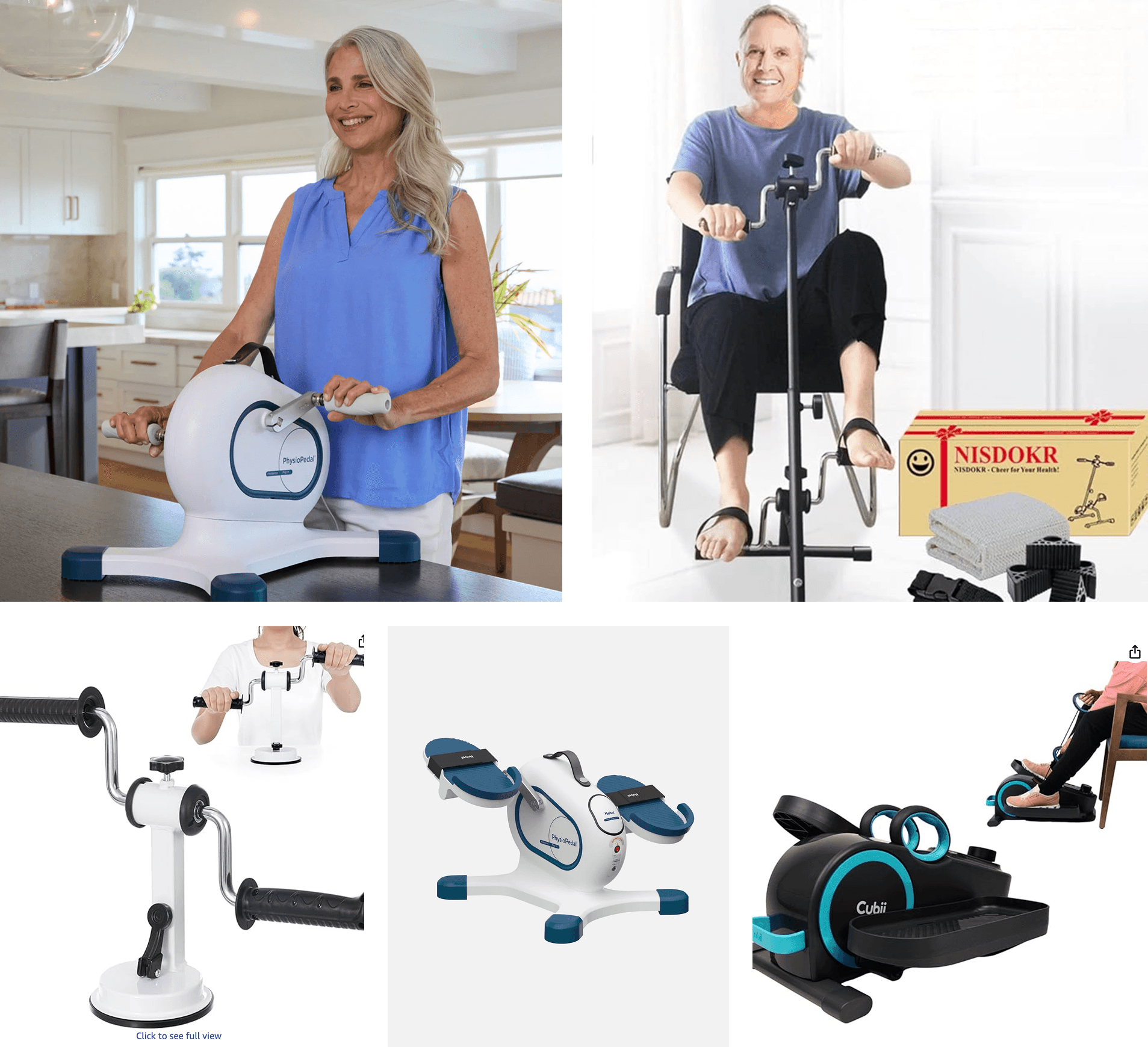
For elders
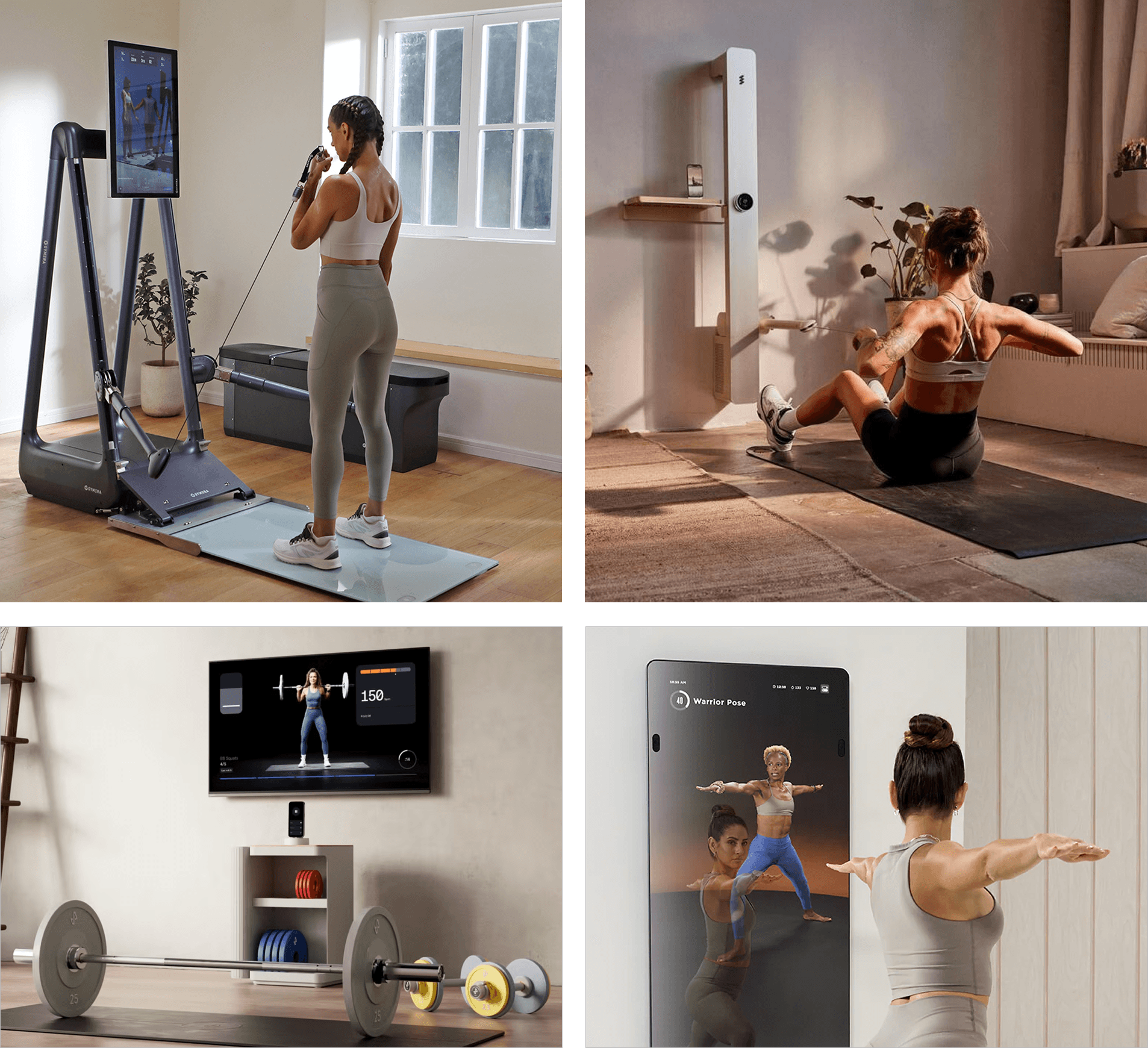
For younger users
Opportunity
Rethinking the Everyday Chair: a tool that feels like home.
Seated exercises as the entry point
After speaking to a PT, we found that seated exercise is the easiest, low-barrier and safest way for older adults to stay active — but there’s no simple way to track progress or stay motivated. We saw an opportunity to turn the everyday chair into a tool that supports movement at home.
HIGH-LEVEL GOALS
Staying independent
Maintaining dignity
Keeping connected
Building motivation
Solution
Introducing Motra
More than a chair, strength in every seated moment.
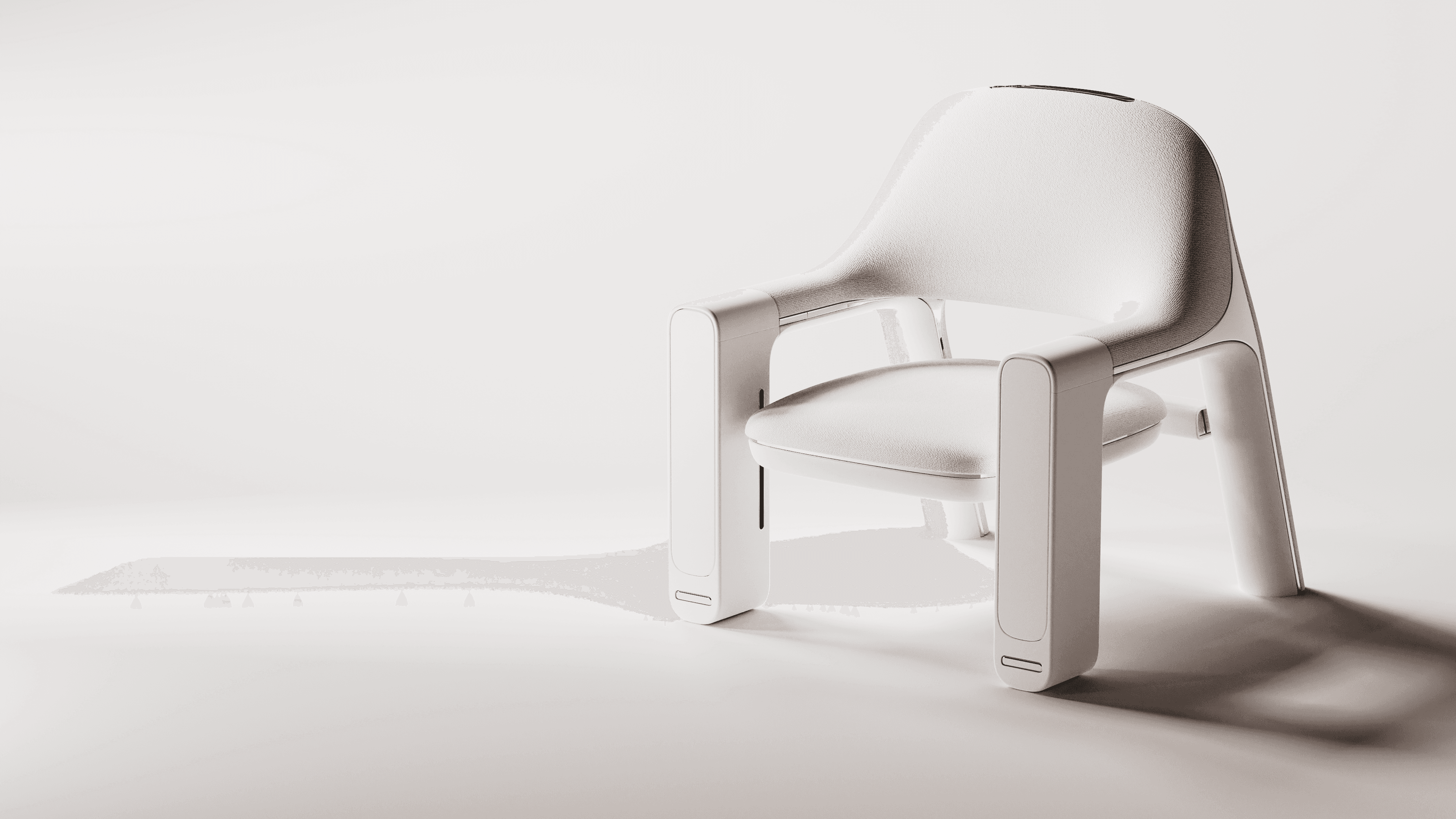
A chair-app pair that turns everyday sitting into strength building — blending into your living space, tracking your progress, and keeping your care circle connected.
Animation by Tyler Kim
JUMP TO
The App
Understand your progress and access your care interactions.
Synced with your activity on the chair, the app lets you view your workout history, receive personalized plans from your PT, and automatically share updates with your family.
Core flows
01 SETUP
02 ONBOARDING
03 PERSONALIZATION
04 DAILY WORKOUTS
05 RESULTS
06 PROGRESS
07 CARE CIRCLE
The Chair
Your foundation for movement and a gentle guide.
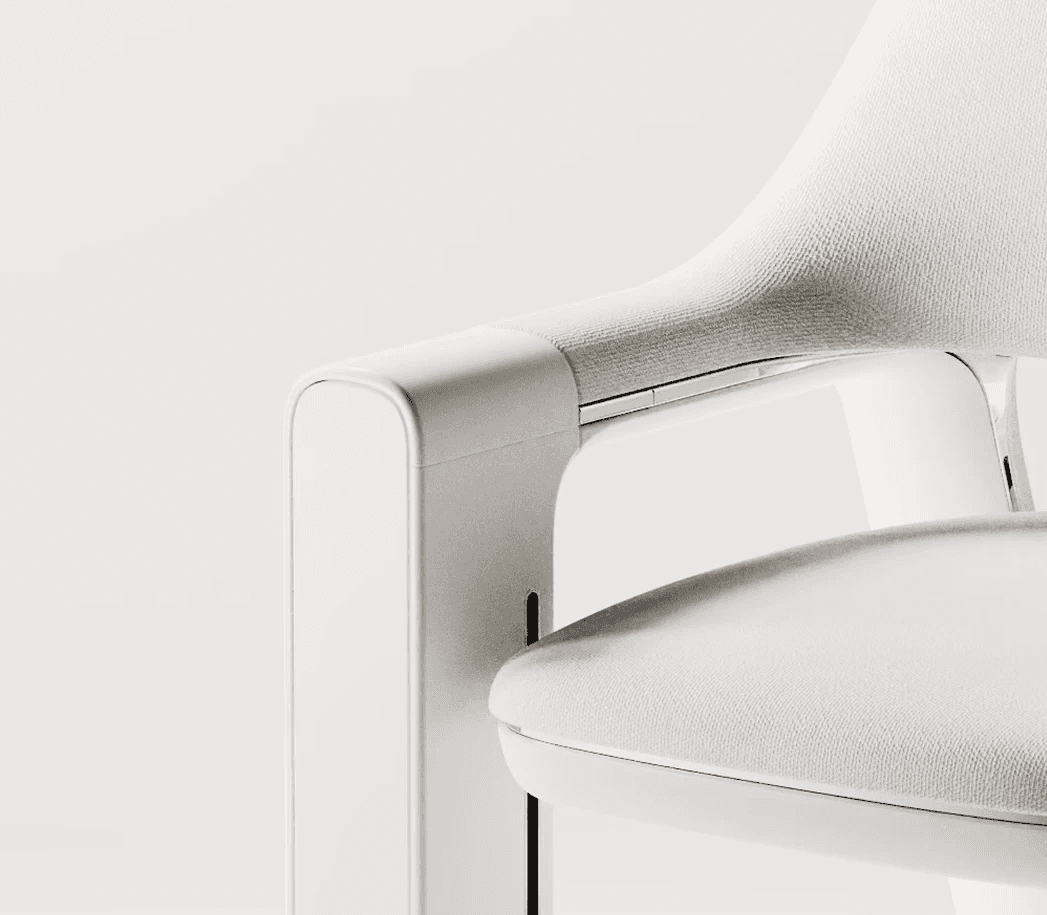
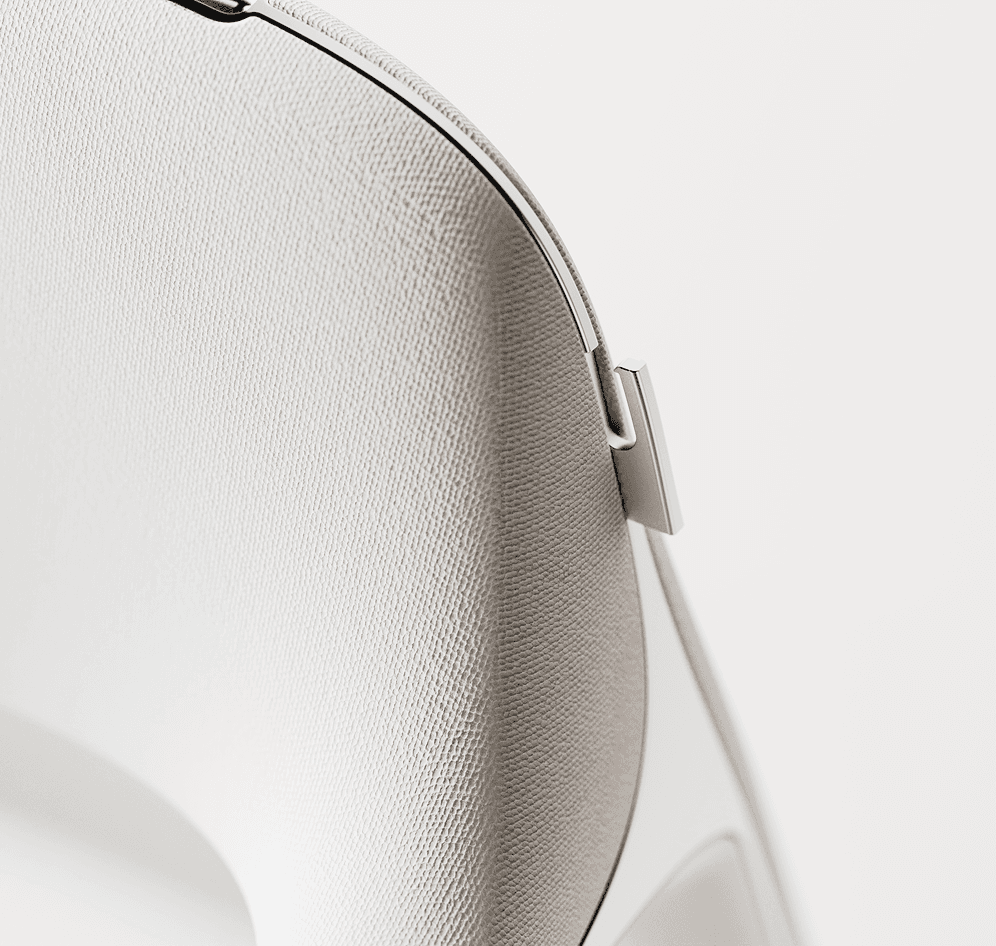
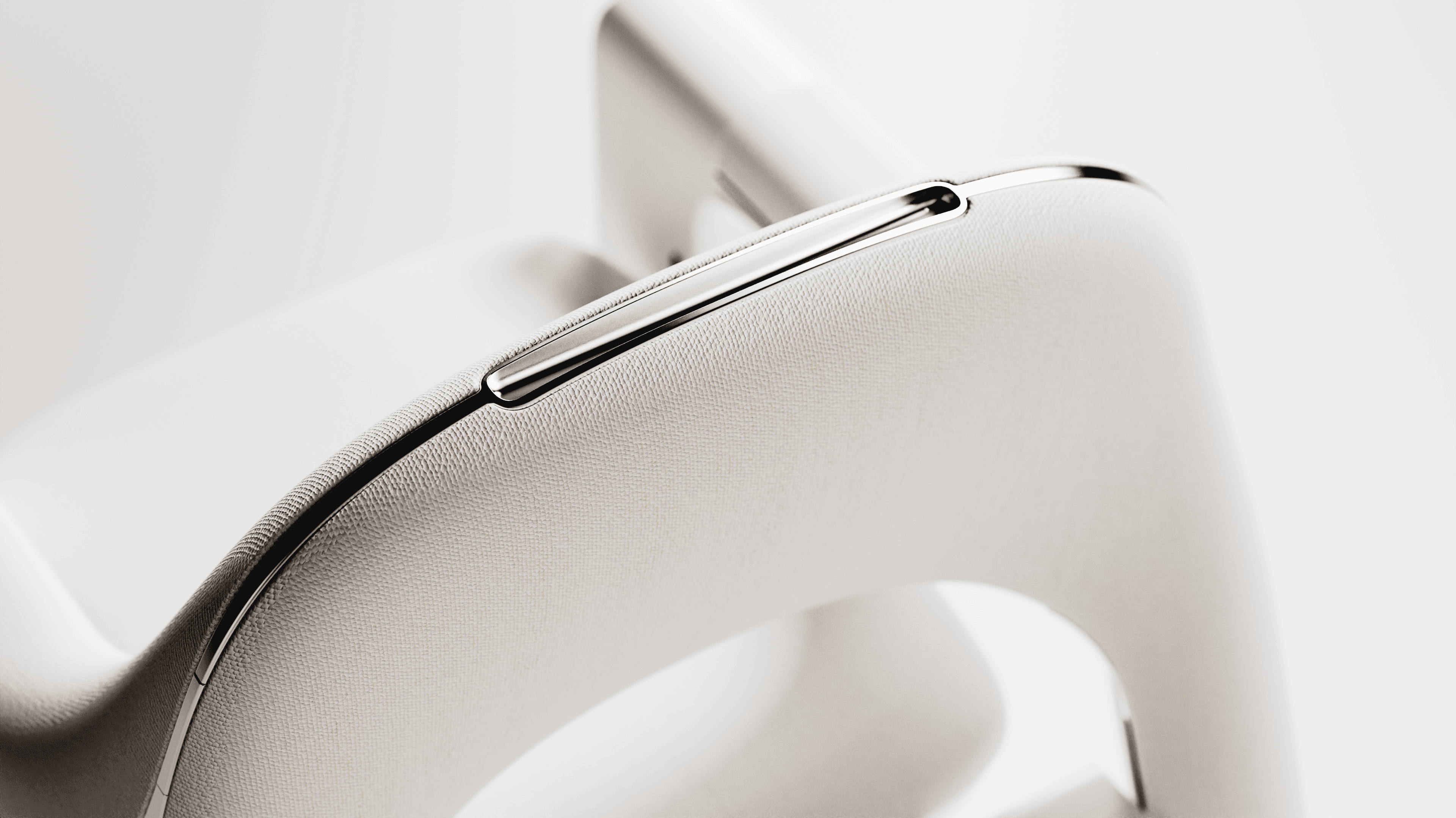
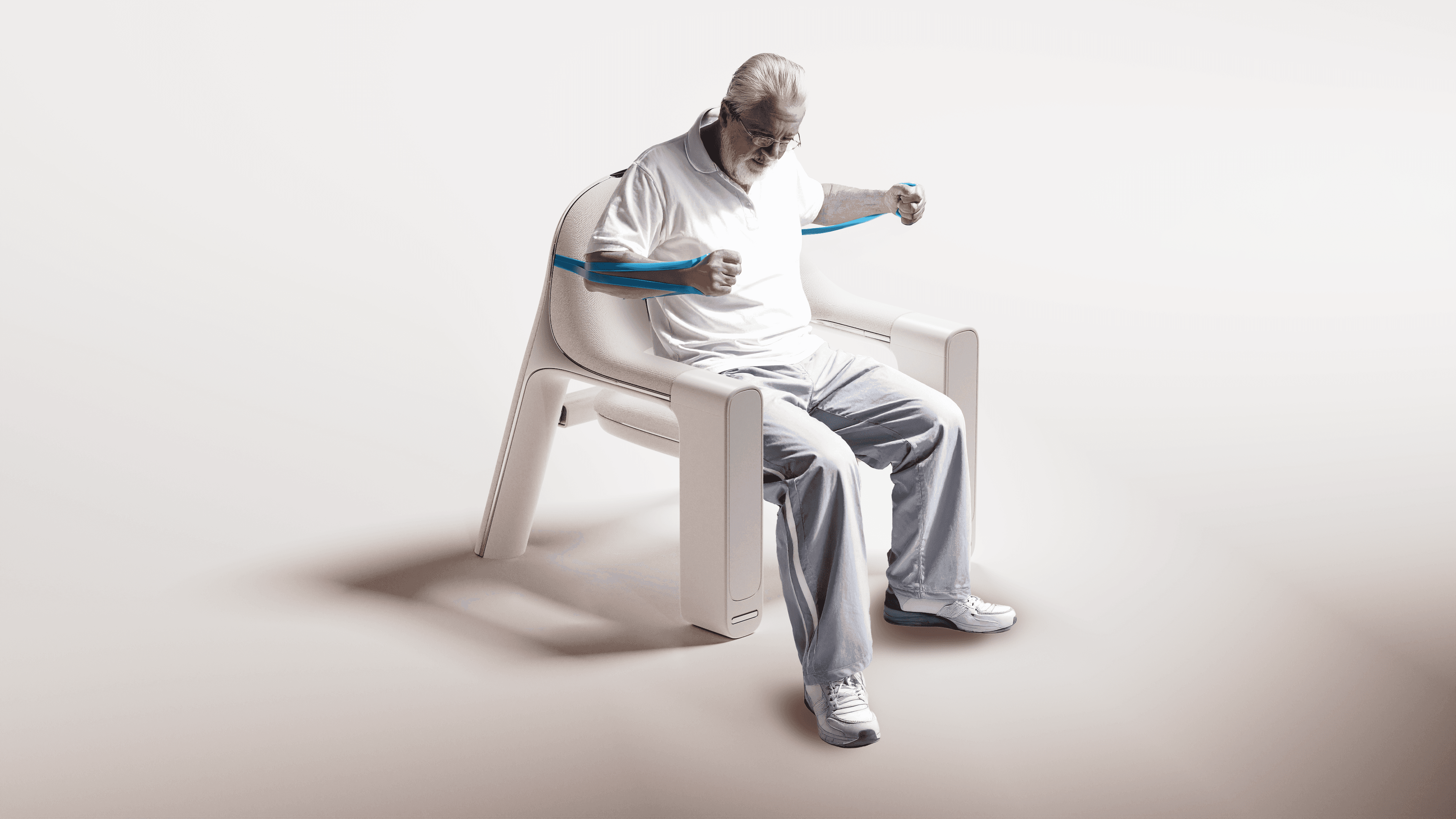
The chair is where you sit, to relax or to get moving. With built-in equipment, voice guidance and control, and gentle cues on the armrest, elders can easily exercise without leaving their seat.

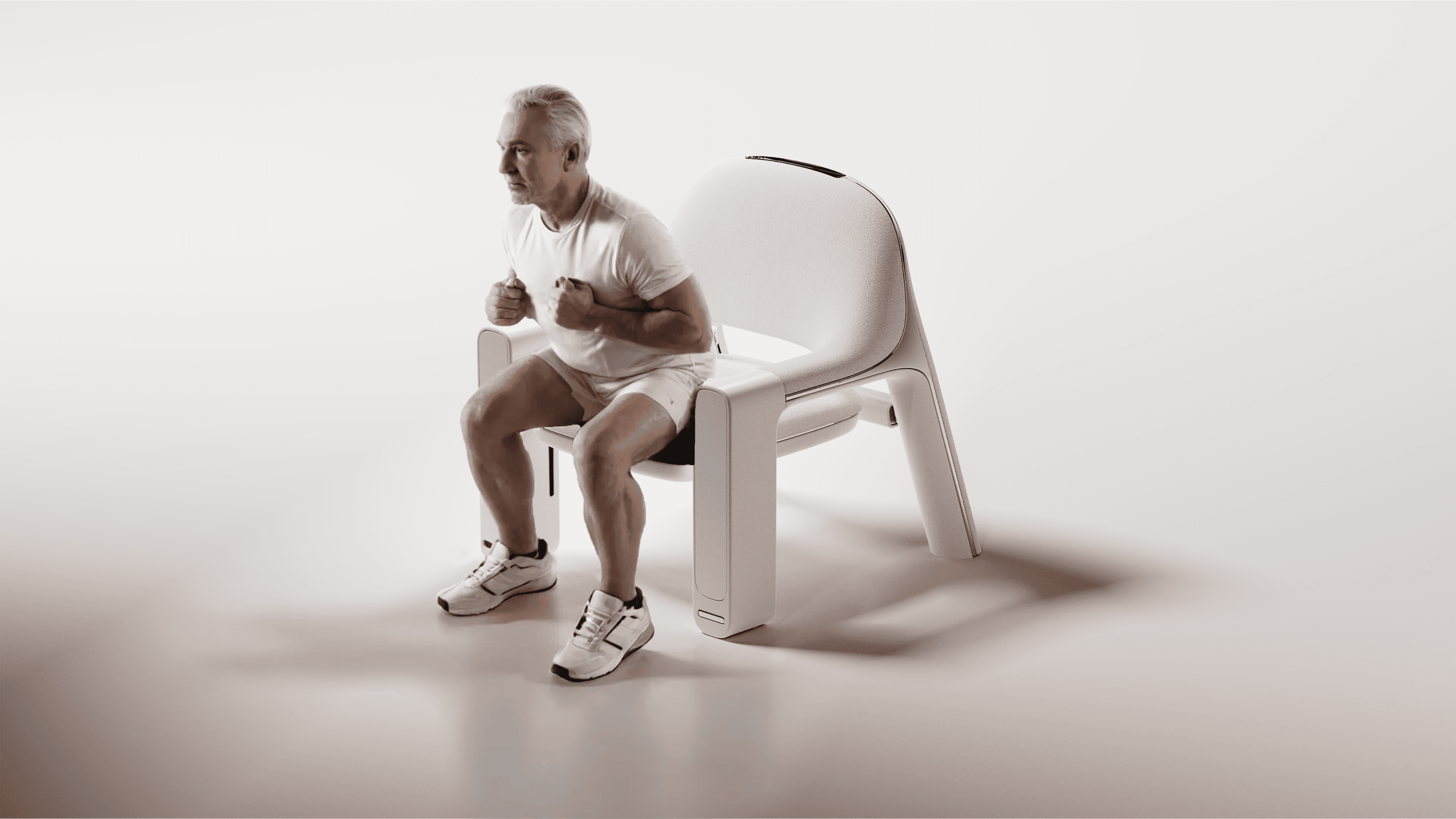
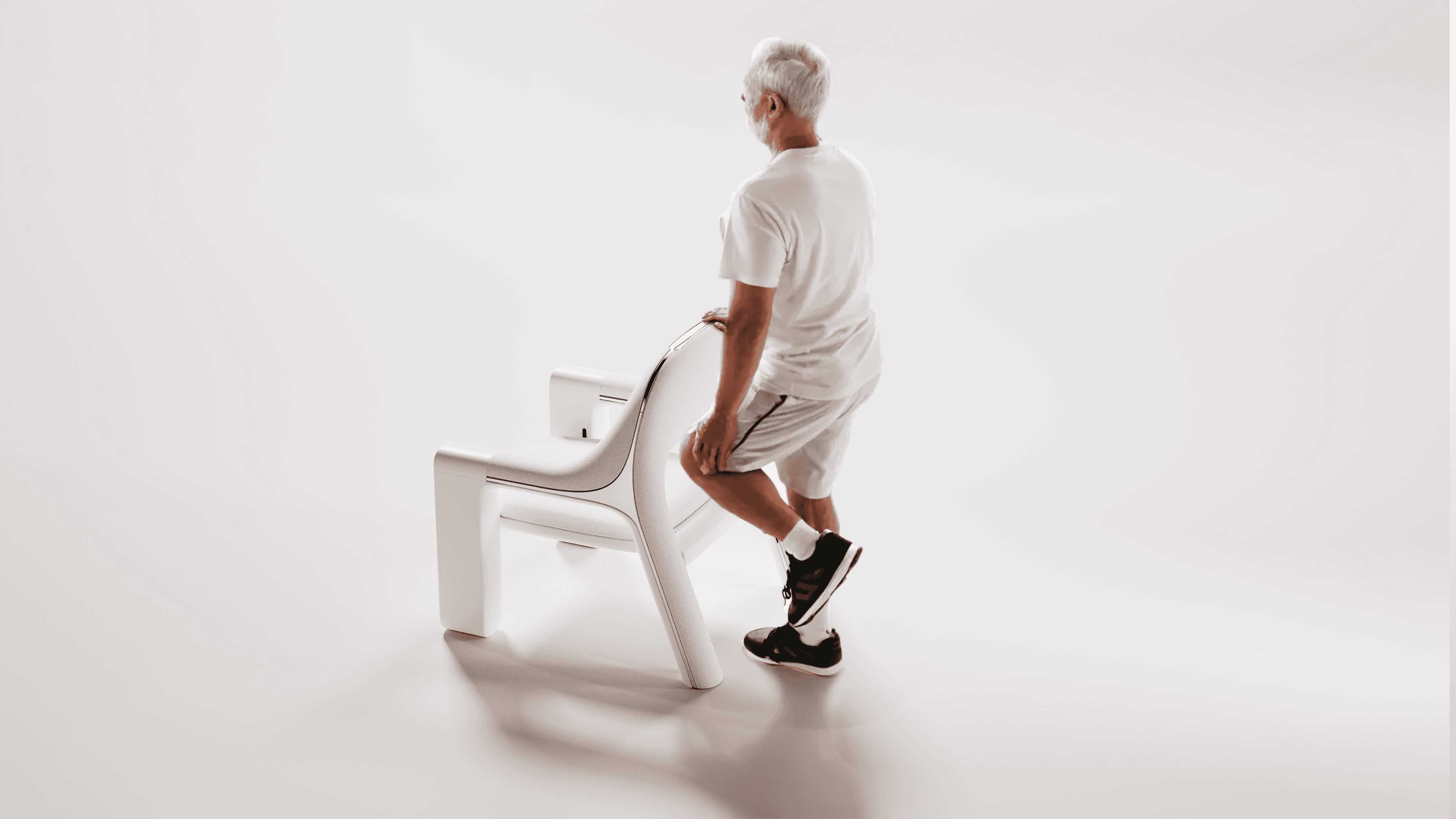
Info beacon
Motion guidance for bicep curls
Idle screen
Workout screen
Motion guidance
User Research
Understanding who baby boomers are.
What stands in the way of their independence and well-being?
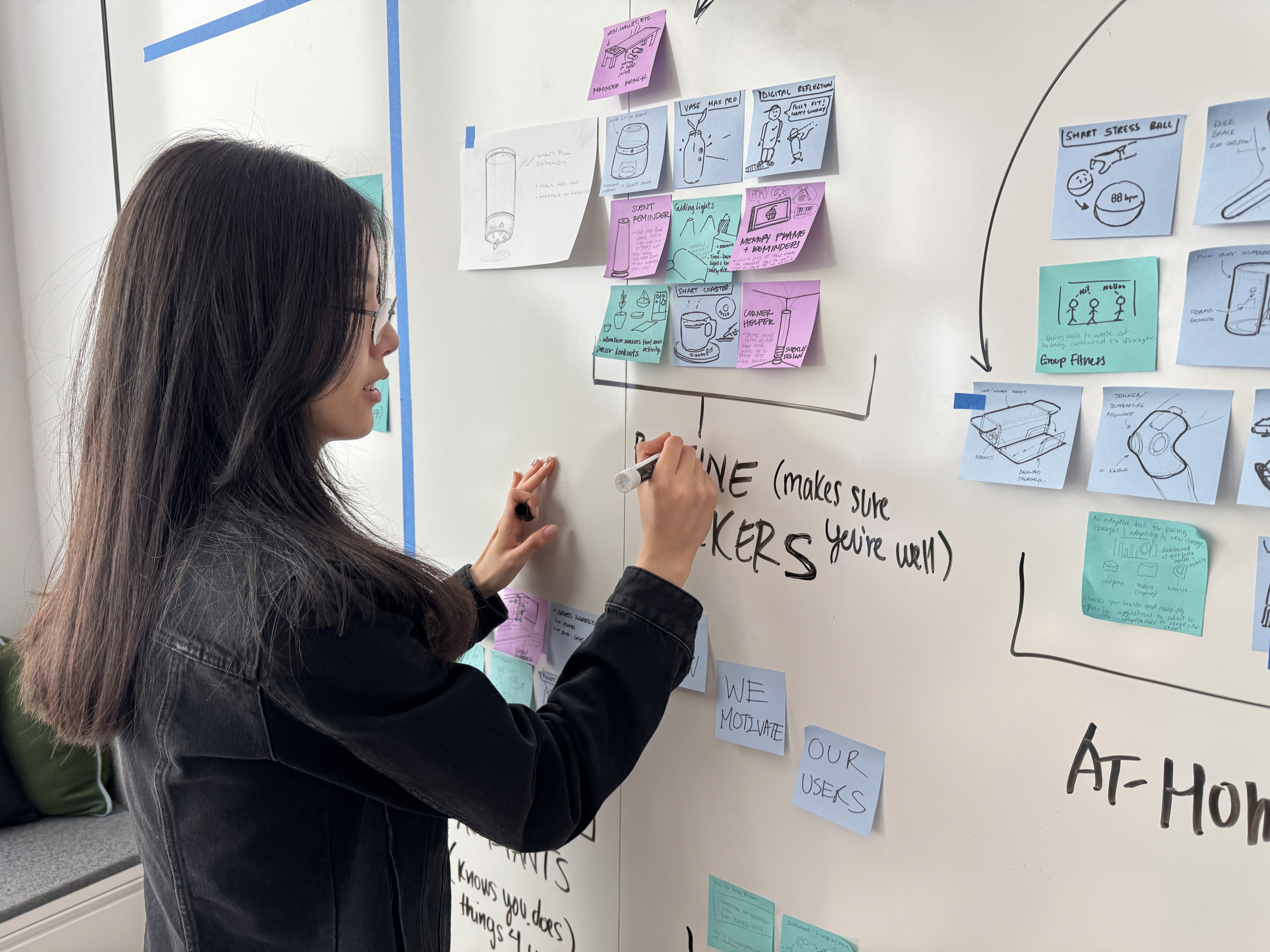
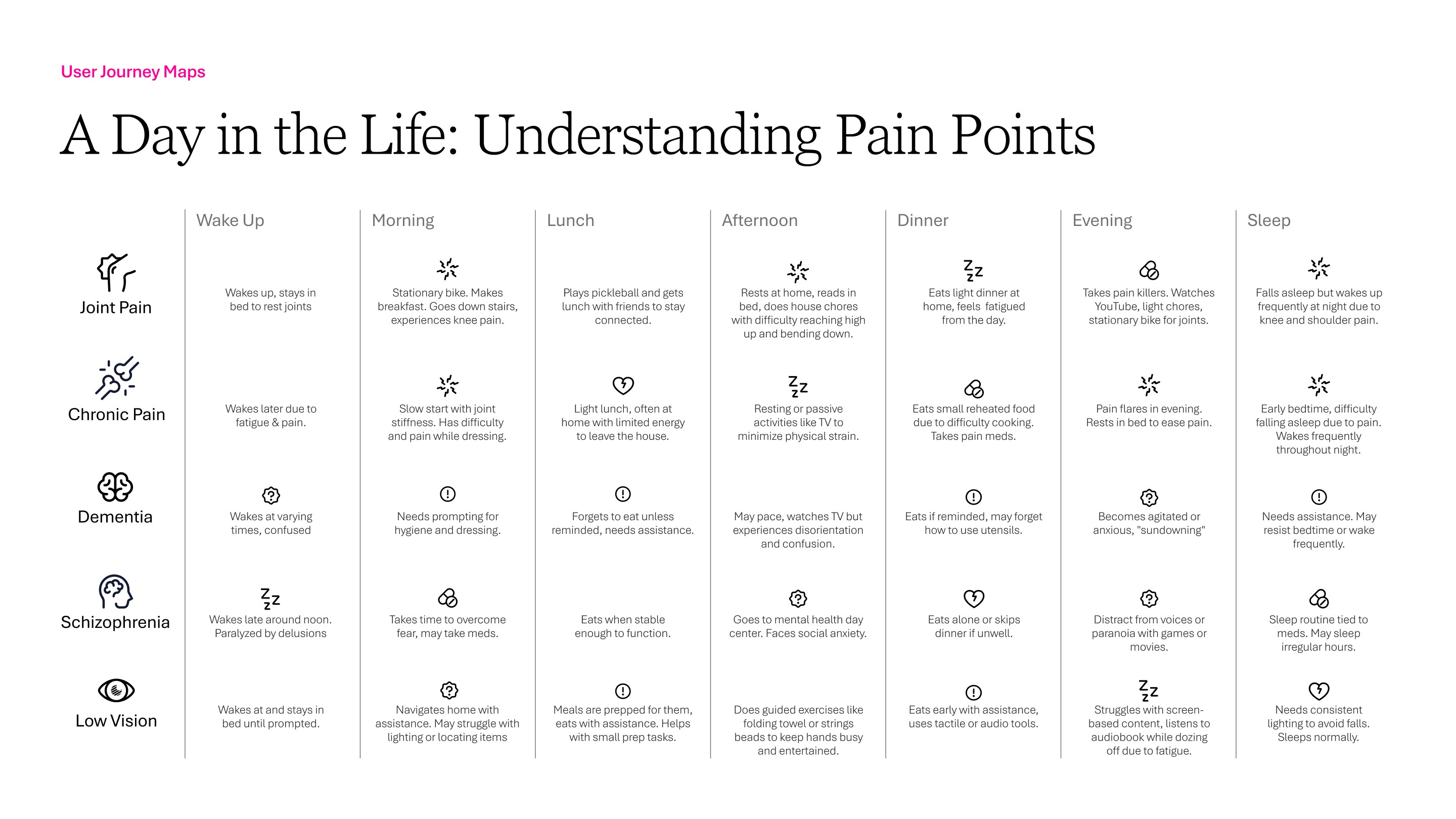
When we first kicked-off our intern project, we explored five user groups and mapped out a day in their life to understand what types of needs and pain points they faced. From this, we found this common barrier across all:
Pain limited their ability to live with dignity and do what they love.
Independence wasn’t just about mobility.
It meant staying true to themselves, pursuing passions, and having the freedom to explore new ones. We knew we wanted to design something that helped baby boomers maintain that sense of autonomy.
Framing the Problem
How might we help baby boomers maintain their autonomy while staying active and engaged in the things they love?
We crafted a persona to capture routines, motivations, and frustrations, guiding us to design meaningful support for baby boomers:
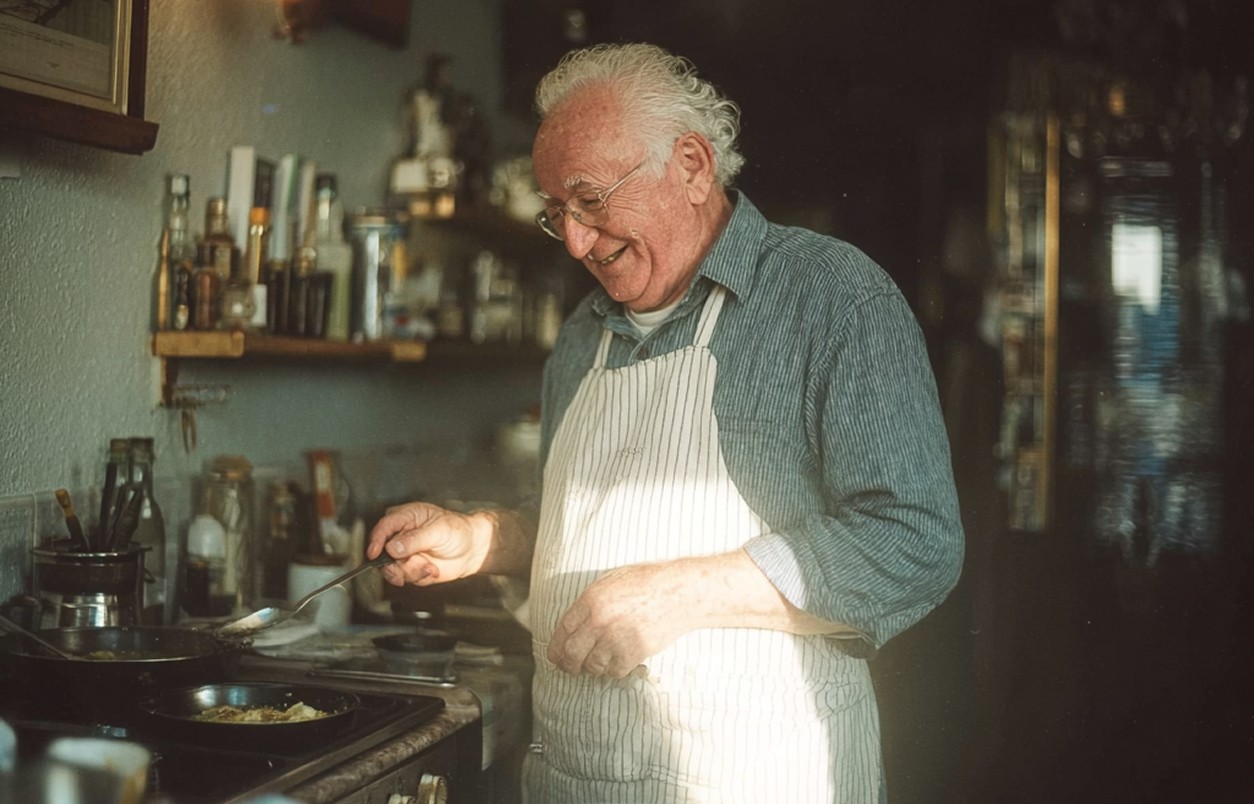
Meet Carmie
A retired chef who loves cooking and playing with his grandkids. His daily aches keep him sitting most of the day. And though he doesn’t mind physical therapy, his at-home exercise methods are not motivating, unclear, and leaves him frustrated.
Age
72 years old
Motivation
To cook and play with his grandkids.
Challenge
Doesn't know where to start in his mobility journey. Needs more guidance for exercises.
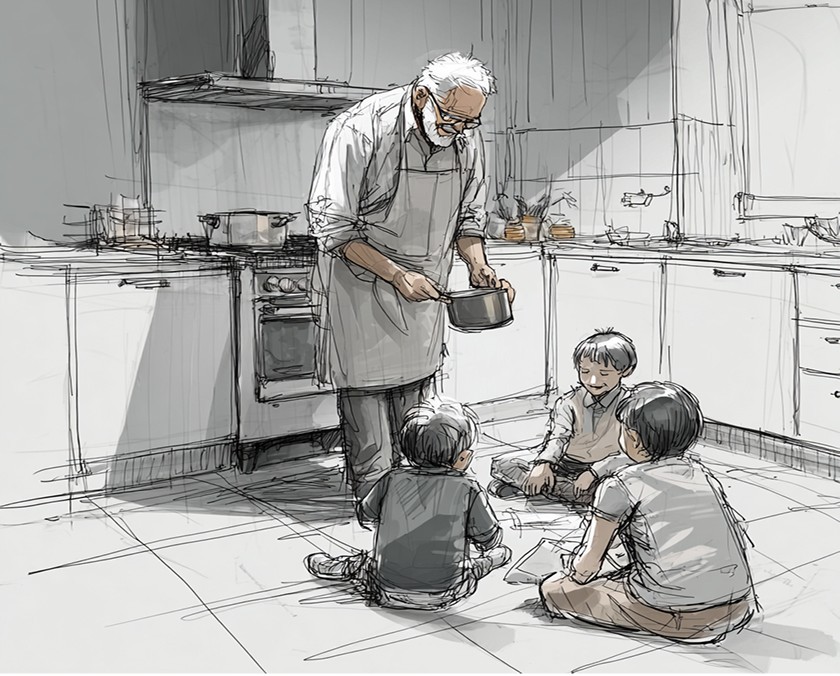
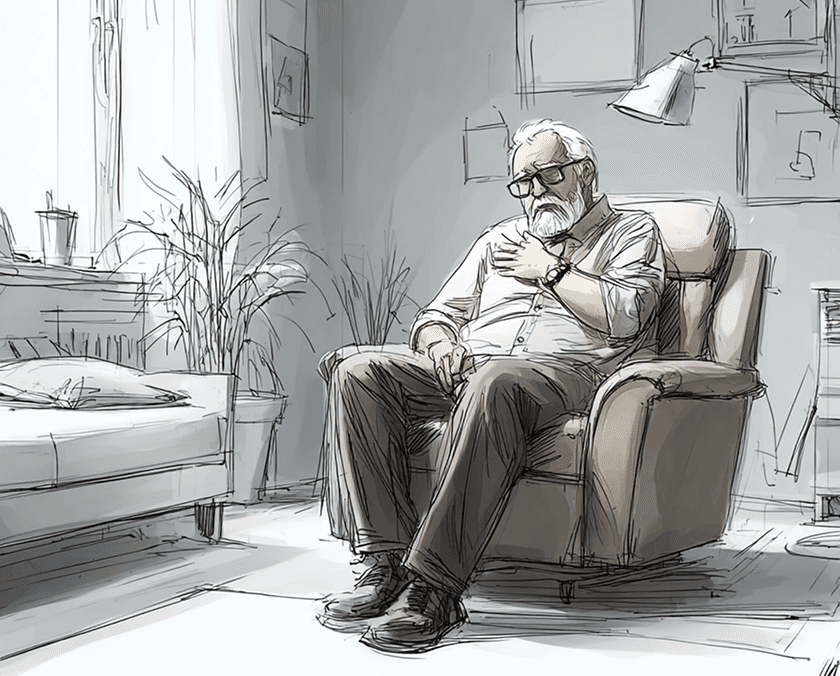
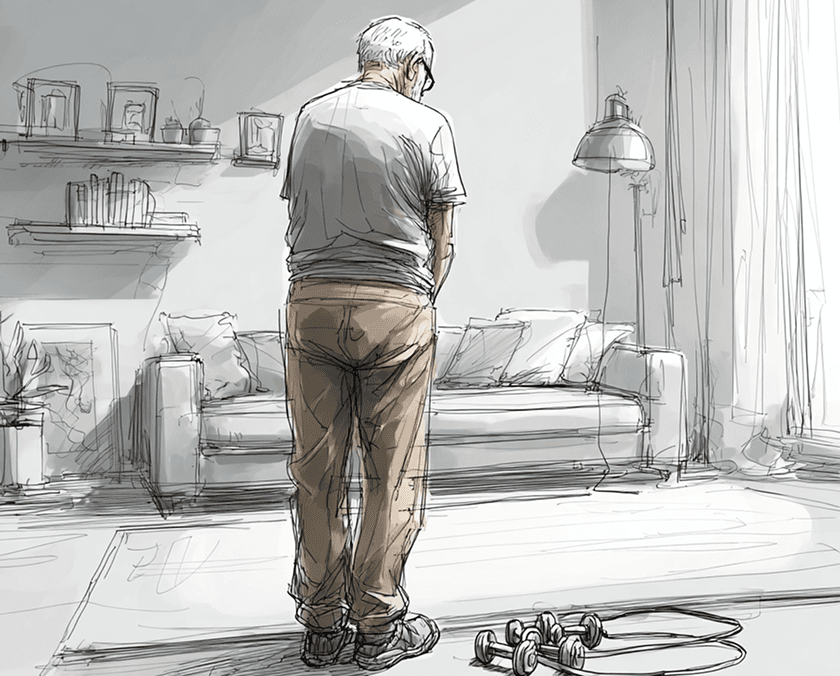
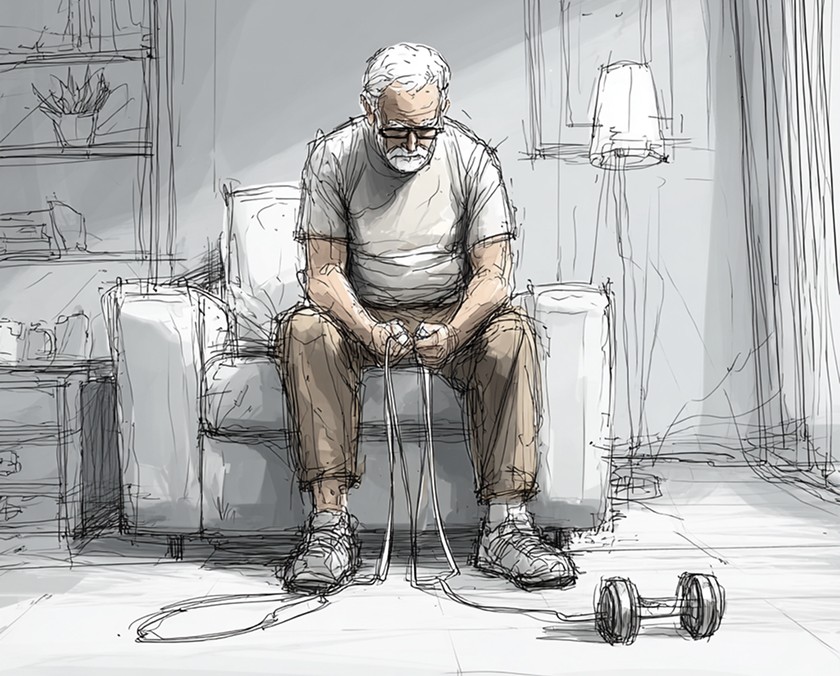
Storyboard by Alana Ikemoto
Interview
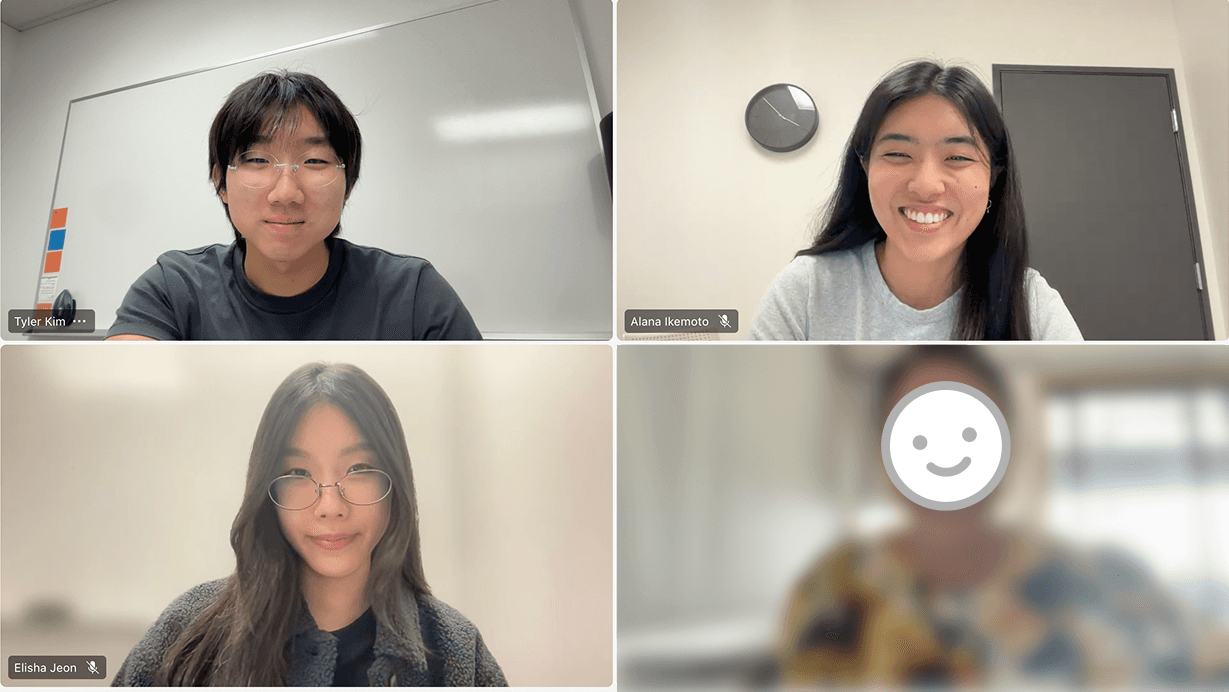
We spoke with a PT who does home visits and treated older adults.
“The lack of updated tools makes independent home exercise difficult without caregiver involvement, motivation, and communication.”
– PT
KEY INSIGHTS
Staying motivated is difficult alone.
The strongest motivator is an active caregiver. When that support is missing, routines fall apart.
Setup and equipment can be a barrier.
Existing at-home solutions either require caregiver assistance or involve tedious, unreliable setups like tying resistance bands to doors.
Digital and remote tracking doesn't exist.
PTs hand out paper checklists, which are tedious and easy to forget. There's no tool to make them trackable, shareable, and motivating.
Three core exercise areas for older adults.
Sit-to-stands, balance, strength training are core for maintaining and improving mobility for elders.
Motivation and guidance are the biggest challenges
Many struggle to adopt new technology and rely on traditional methods — from family caregivers demonstrating exercises to keeping paper-based progress logs. Without consistent guidance, it’s hard to know what exercises to do, how to do them safely, and how to track progress effectively.
Ideation
How we landed on designing for mobility.
Should we make tools that act on their behalf, or tools that give agency?
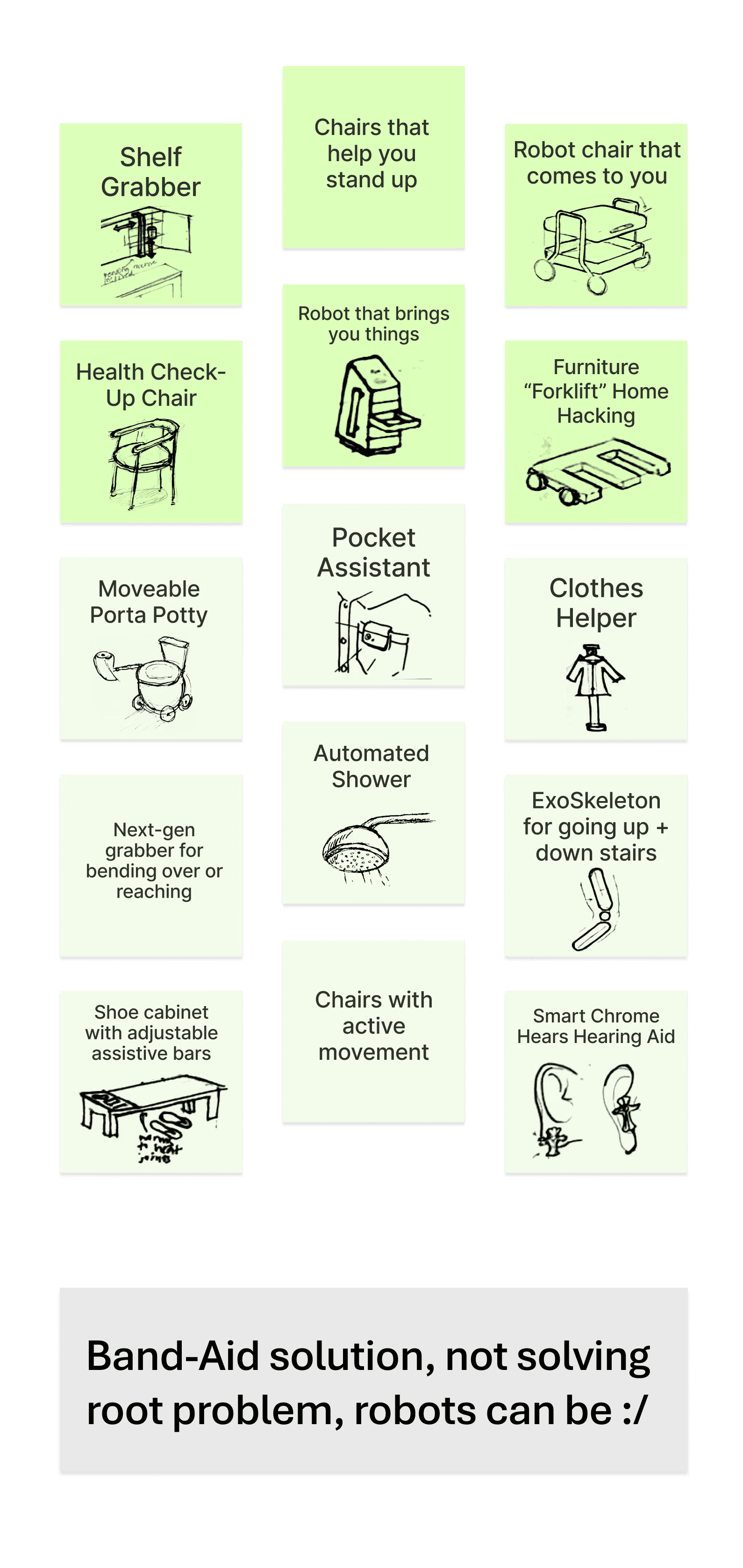
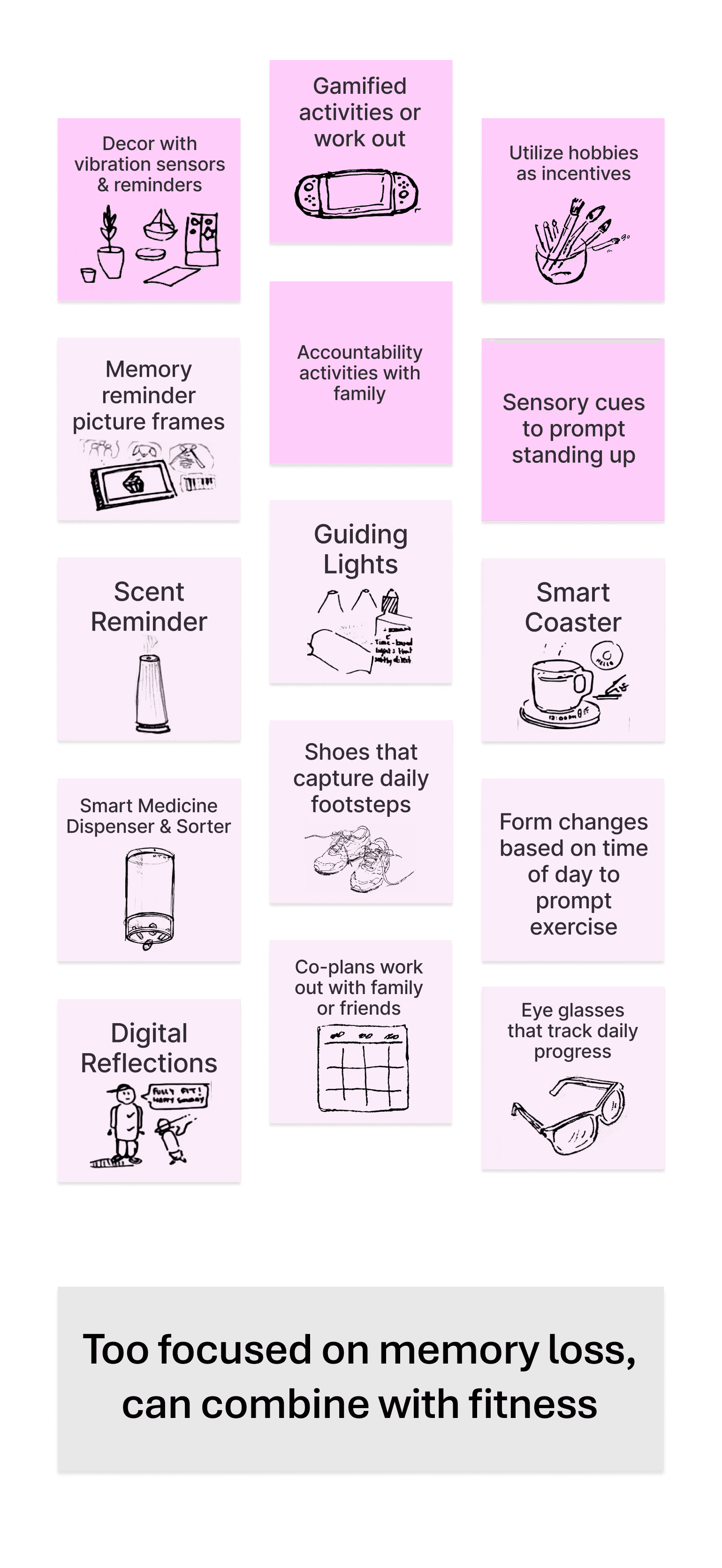
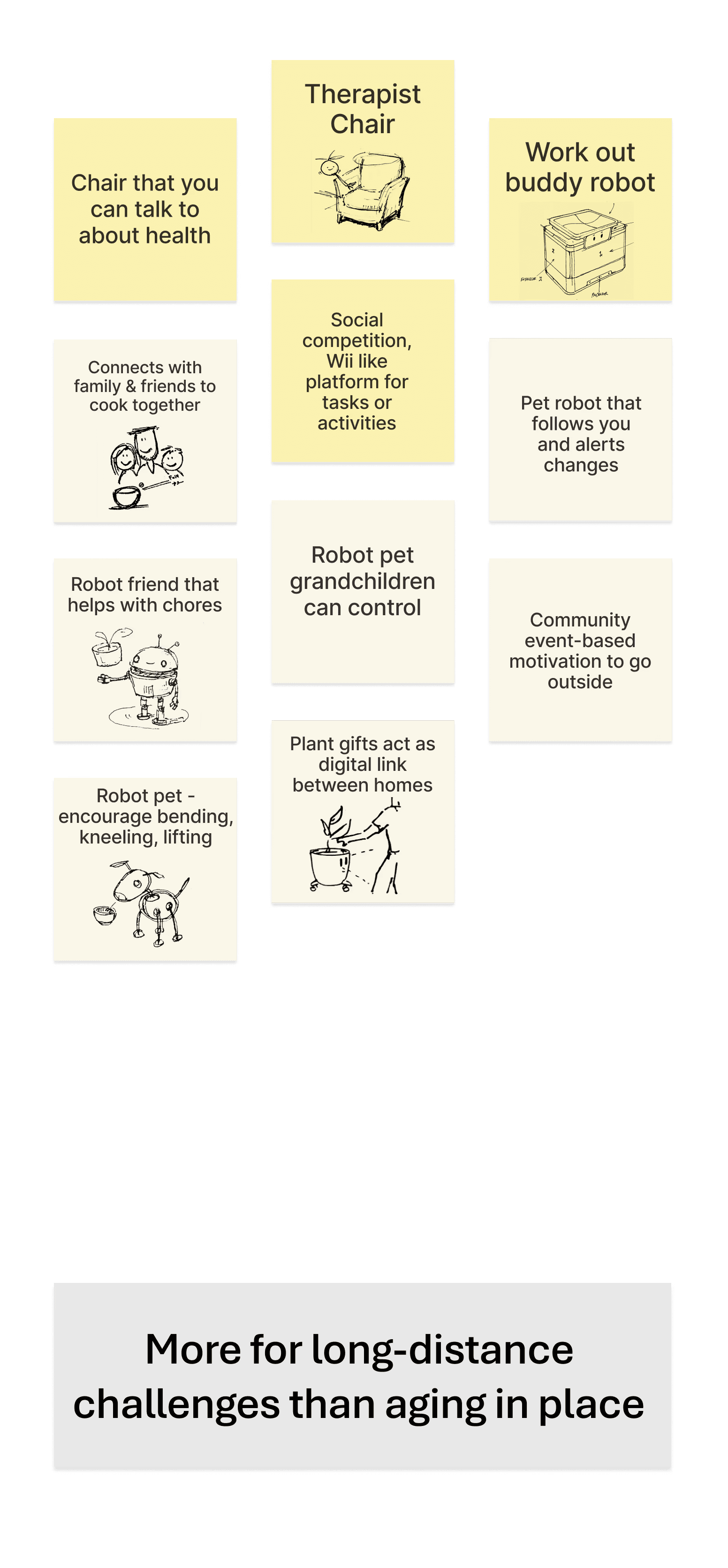
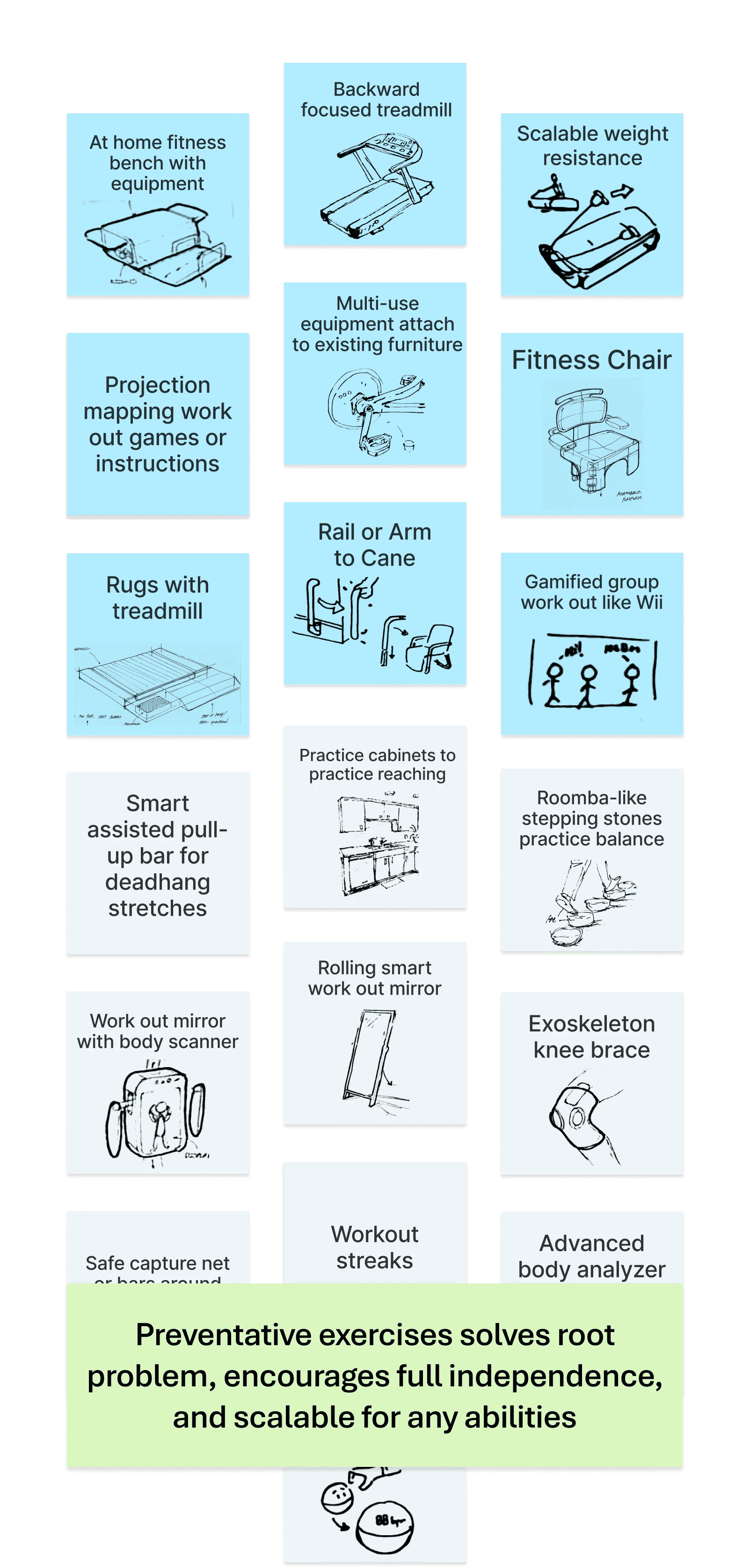
We had initially explored four directions — from companion robots to reach helpers. Ultimately, our team chose preventative fitness because it addresses the root problem: declining mobility. By building strength proactively, we could support independence, dignity, and the ability to pursue passions.
Assistive
Routine building
Companion
Preventative Fitness
Why a chair?
After deciding to design for preventative fitness, interviews with the PT, several mentor workshops, and team discussions, we kept gravitating toward a chair because:
KEY REASONS
It's the most familiar object in every home, making it a comfortable and inviting choice.
It creates an easy entry point for movement, natural and easy to start.
Older adults already spend 8–9 hours sitting — what if we could transform that habit?
Seated exercises are already essential in elder PT and mobility plans.
We saw potential for it to be modular, scalable, and adaptable for various physical abilities.
All of these reasons aligned with our vision and principles to design something familiar, approachable, and central to daily life.
Concept Ideation
Exploring different chair concepts.
A minimal chair to support a variety of exercises
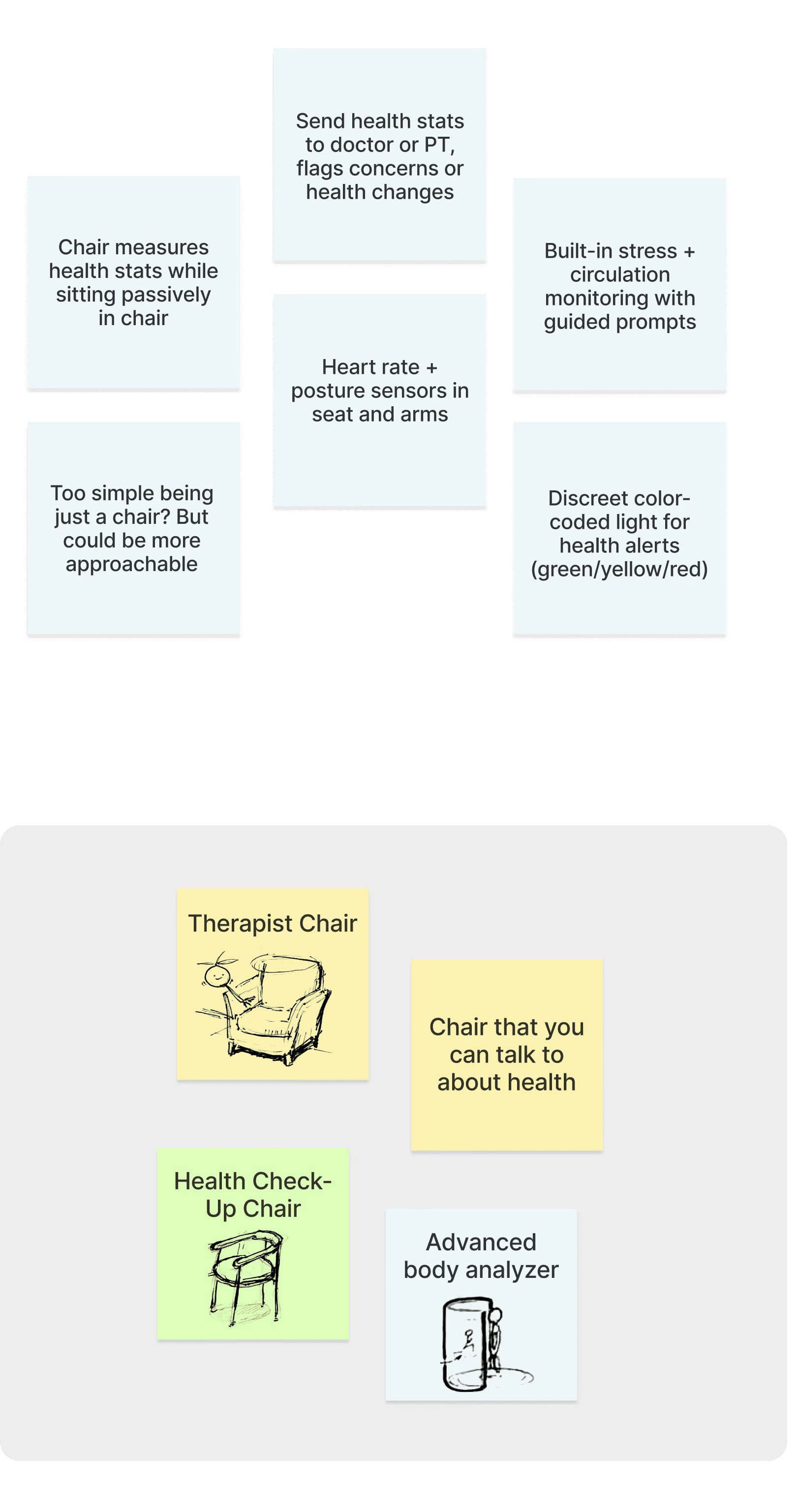
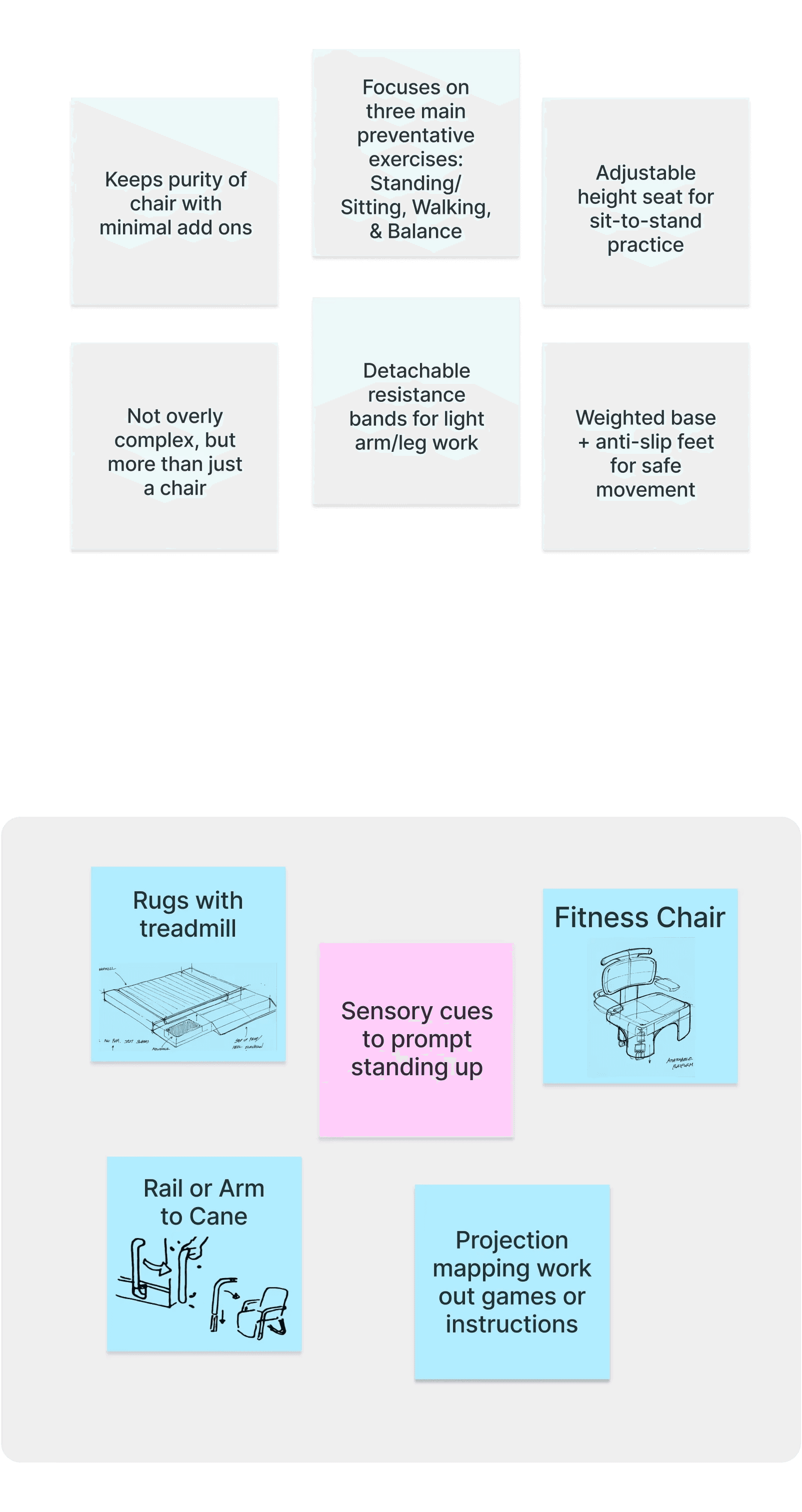
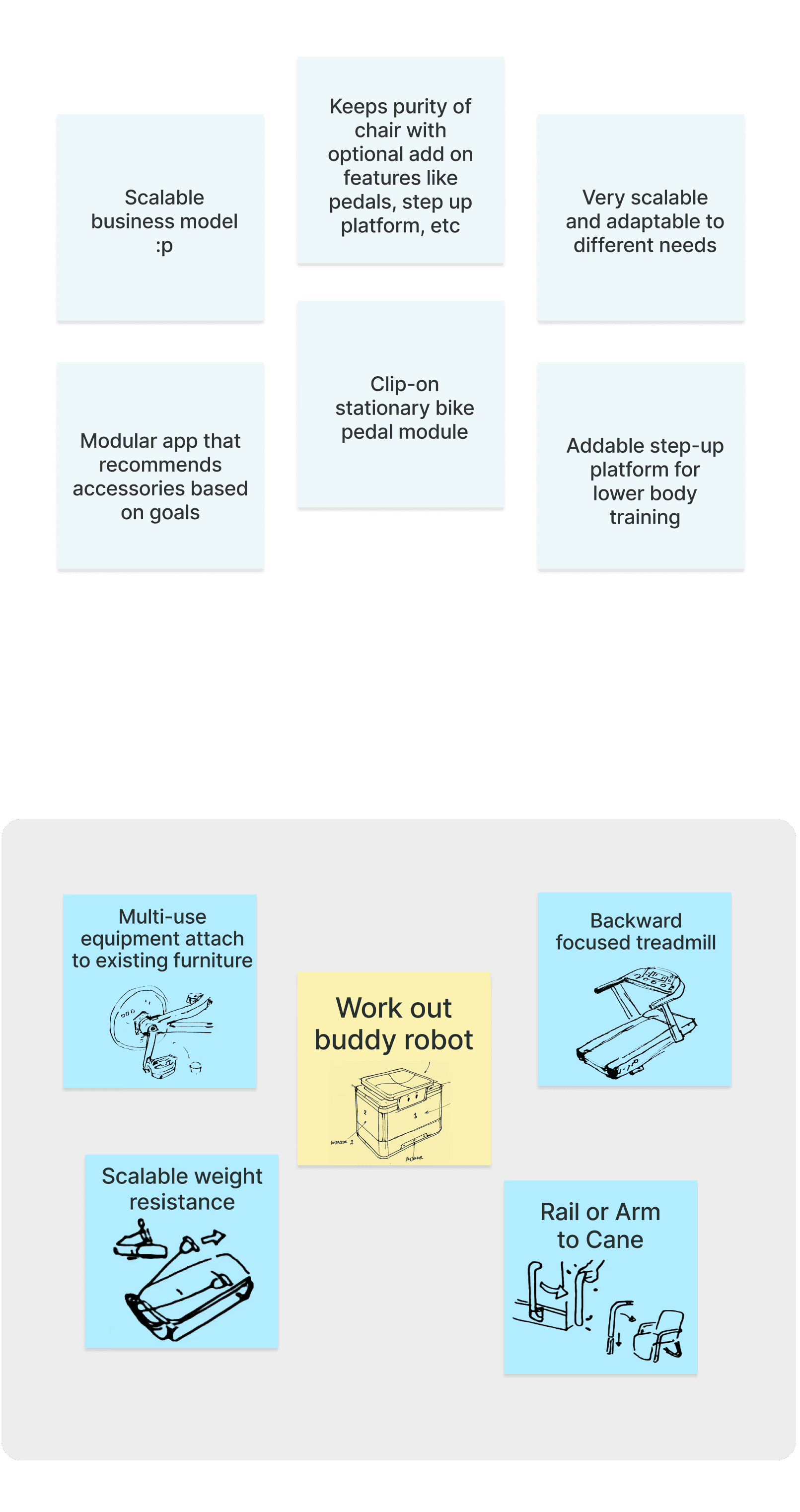
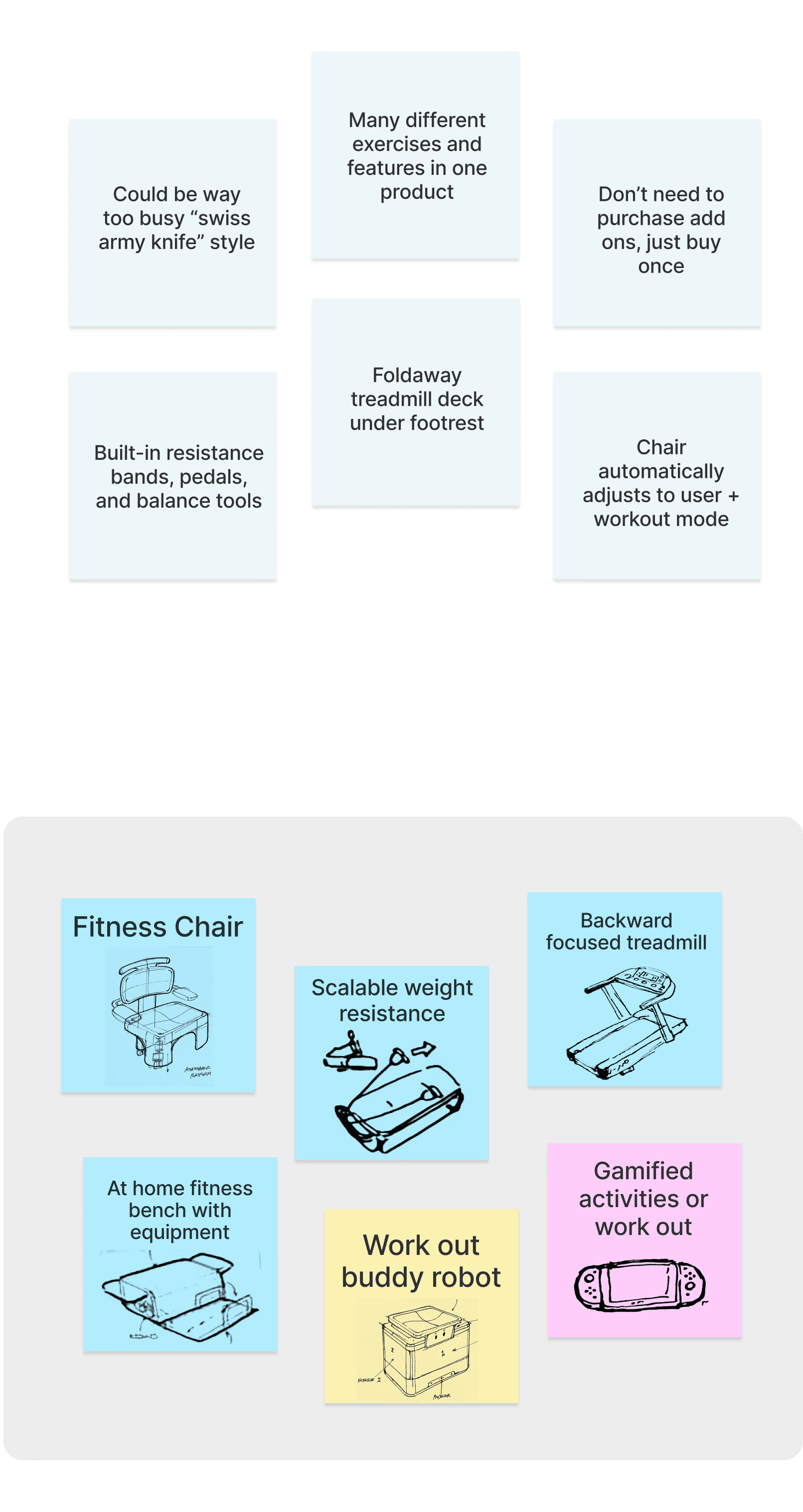
Once we committed to designing a chair, we explored a range of concepts — from a passive chair that simply collects data to a fully equipped, all-in-one exercise chair.
We ultimately chose a minimal exercise chair because it removes setup friction and gently guides users through workouts, all while looking like familiar, approachable furniture.
Passive Health Chair
Minimal Standing,
Sitting, Balance
Modular Add-ons
All-In-One
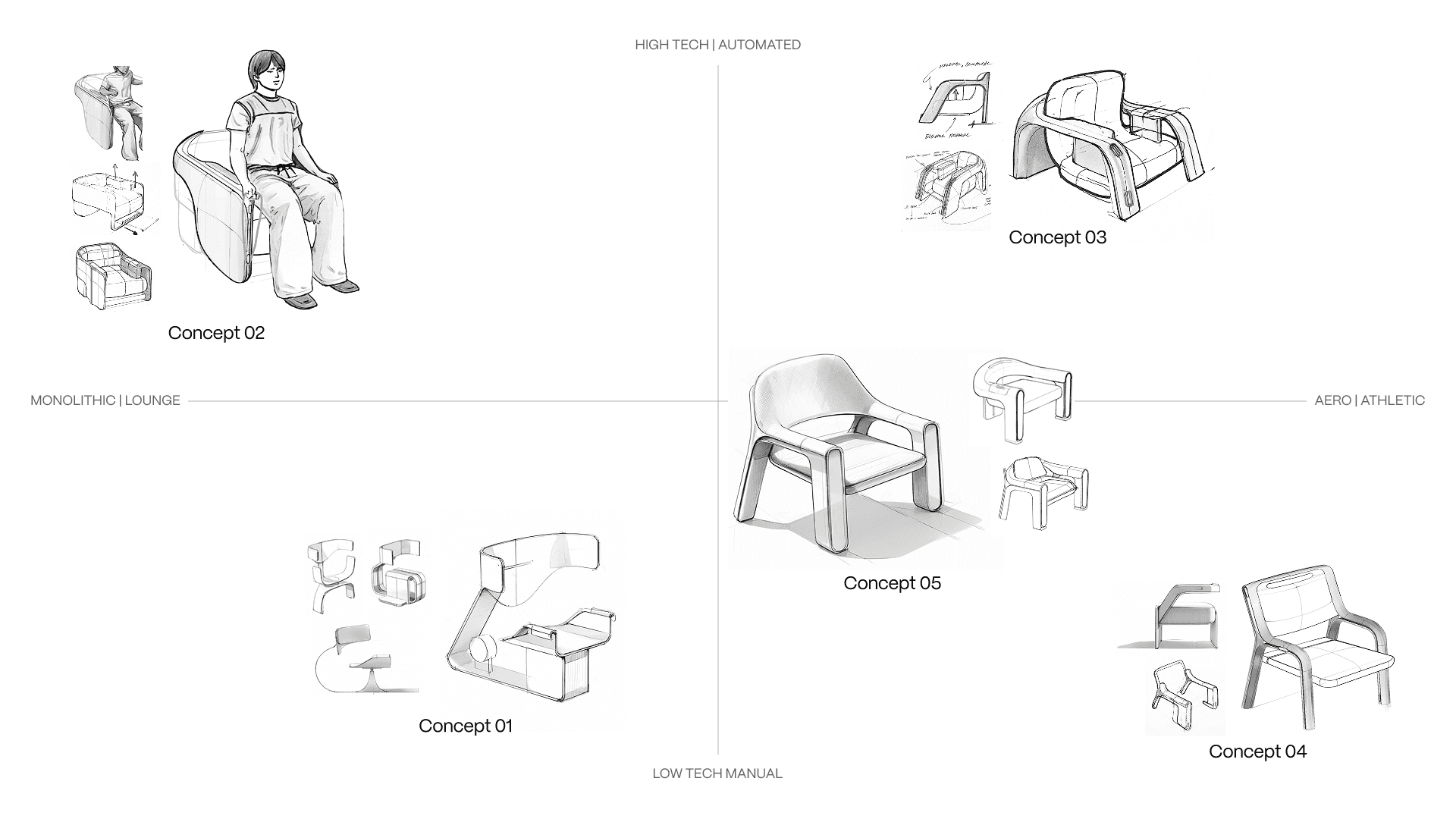
The chair shouldn't be overly techy
Technology adoption among older adults can be limited, and even designing for the next generation of baby boomers, we wanted to avoid creating a chair that felt intimidating or overly complicated. Below are some explorations the ID interns conducted to strike the right balance:
Competitive Analysis
Looking at popular apps in health, fitness, and remote care.
Bridging Fitness, Body Tracking, and Care
The chair wasn’t just a workout tool — it had to track the body, guide exercise, and support daily wellbeing. To uncover gaps and opportunities, I benchmarked apps across these three sectors and mapped features in a comprehensive matrix.
Sensing

Whoop

Eight Sleep
Fitness

Tempo

Amp

Forme Studio
Health

Hinge Health

Sword Health
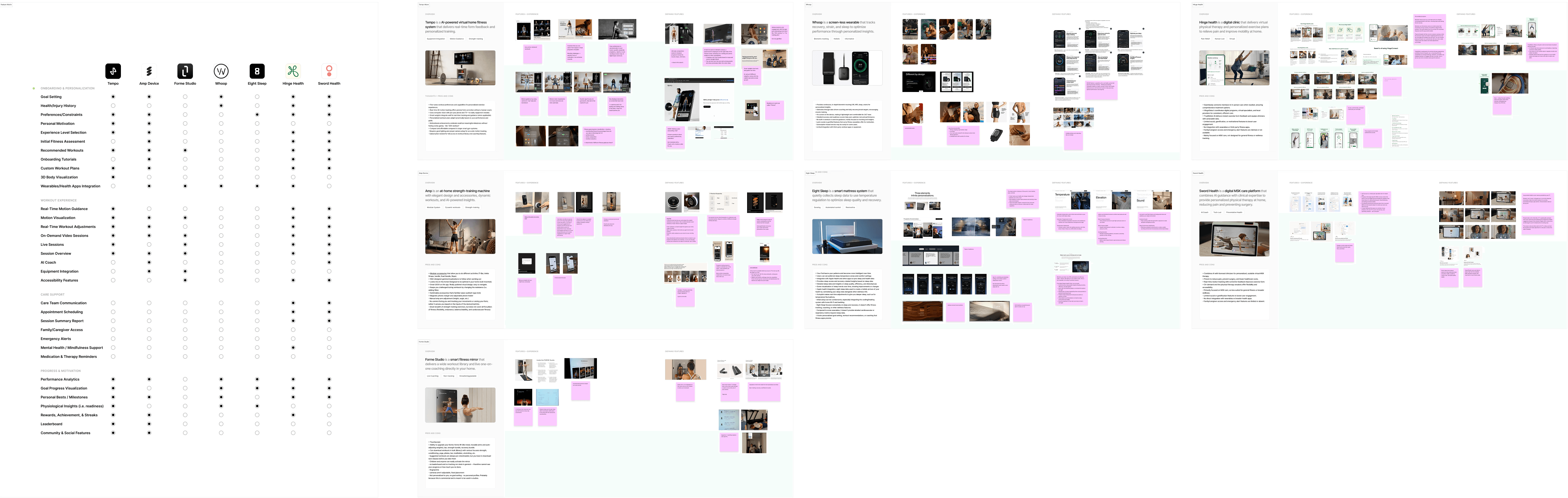
A common theme: turning data into actionable guidance
Across health, fitness, and remote care, the most effective tools turn data into meaningful guidance: they personalize routines, correct form in real time, and share progress seamlessly with PTs.
INSIGHTS
Q: How do they track and use health data?
A: Automated adjustments enhance sleep by understanding you
Opportunity: No actionability — yes you see stats, but what are some actions you can take?
Q: How do they guide workouts at home?
A: Real-time form correction via camera, sensors, and wearables
Opportunity: Lacks motivation and personal goals. People have to be invested first, but without it it can be hard which elders need.
Q: How is remote physical therapy delivered?
A: Effortless data sharing with your PT.
Opportunity: Currently there's no family integration. Elders want to keep their circle connected and stay connected.
Prioritizing features for impact
After benchmarking apps and mapping features across all four categories, I used a priority circle to define the app’s foundation, highlighting the core features needed to fully support the chair’s capabilities. This process clarified what the app needed to enable meaningful experiences, support user goals, and shape the MVP.
Must haves
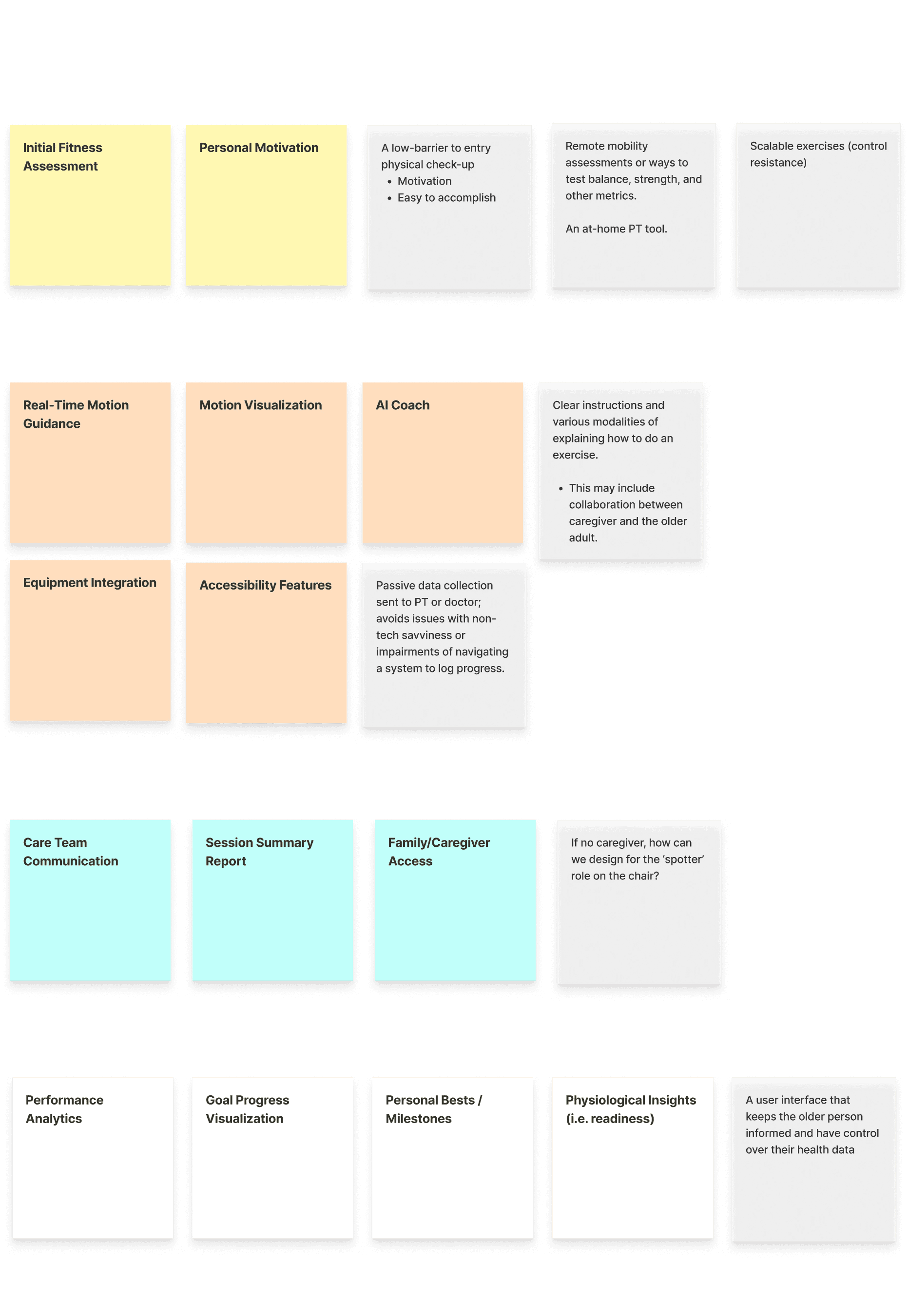
Should have
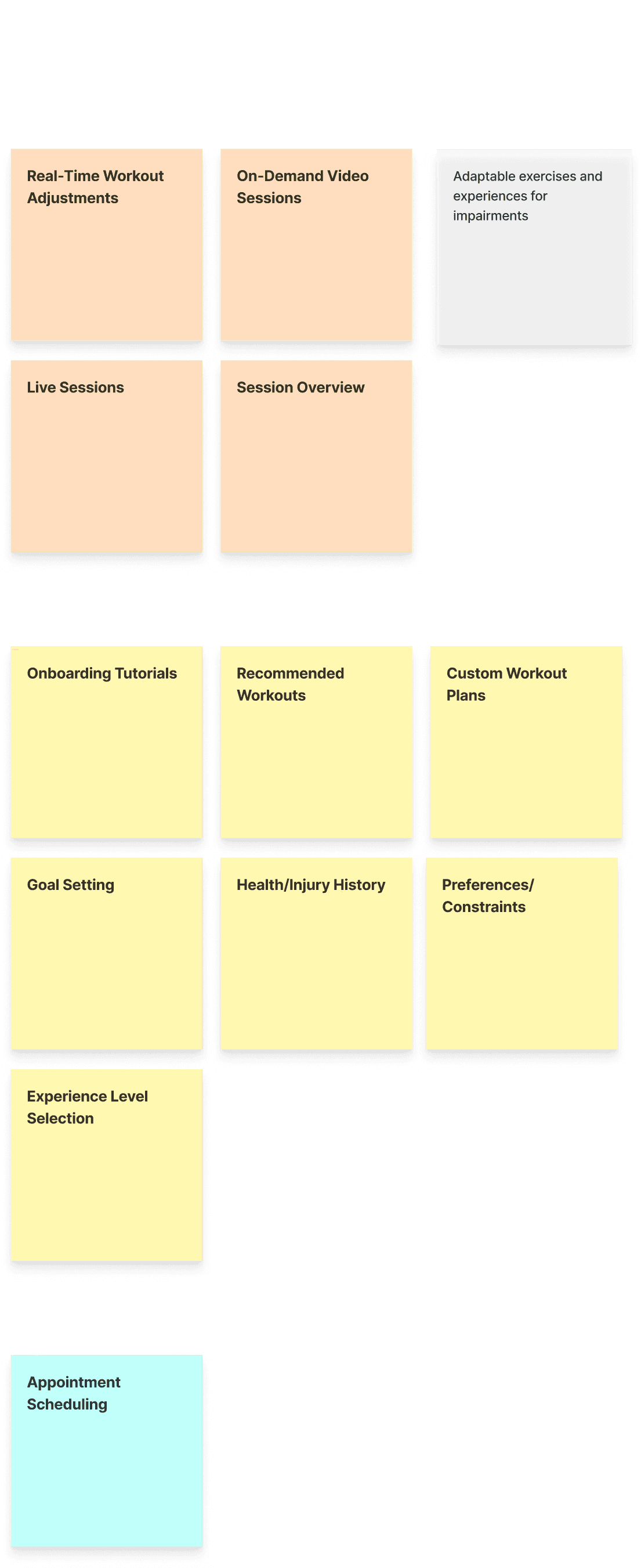
Nice to have
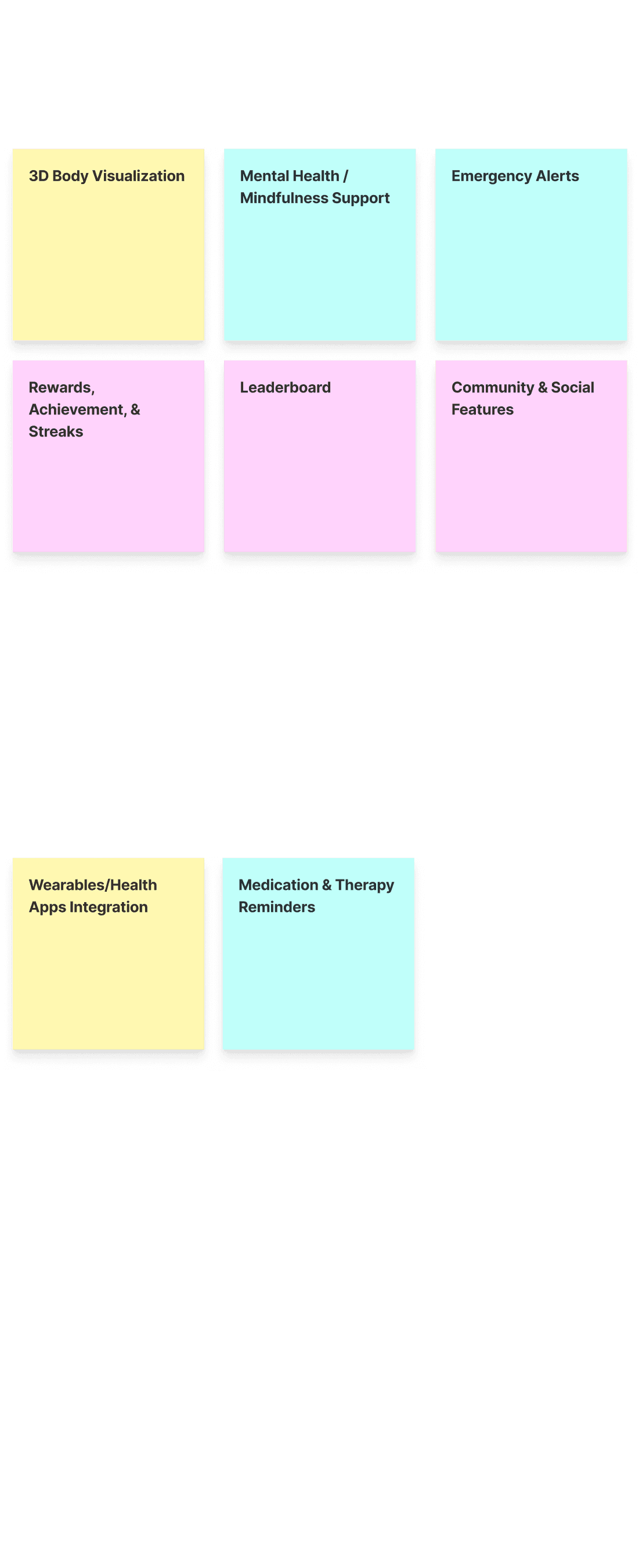
Out of scope
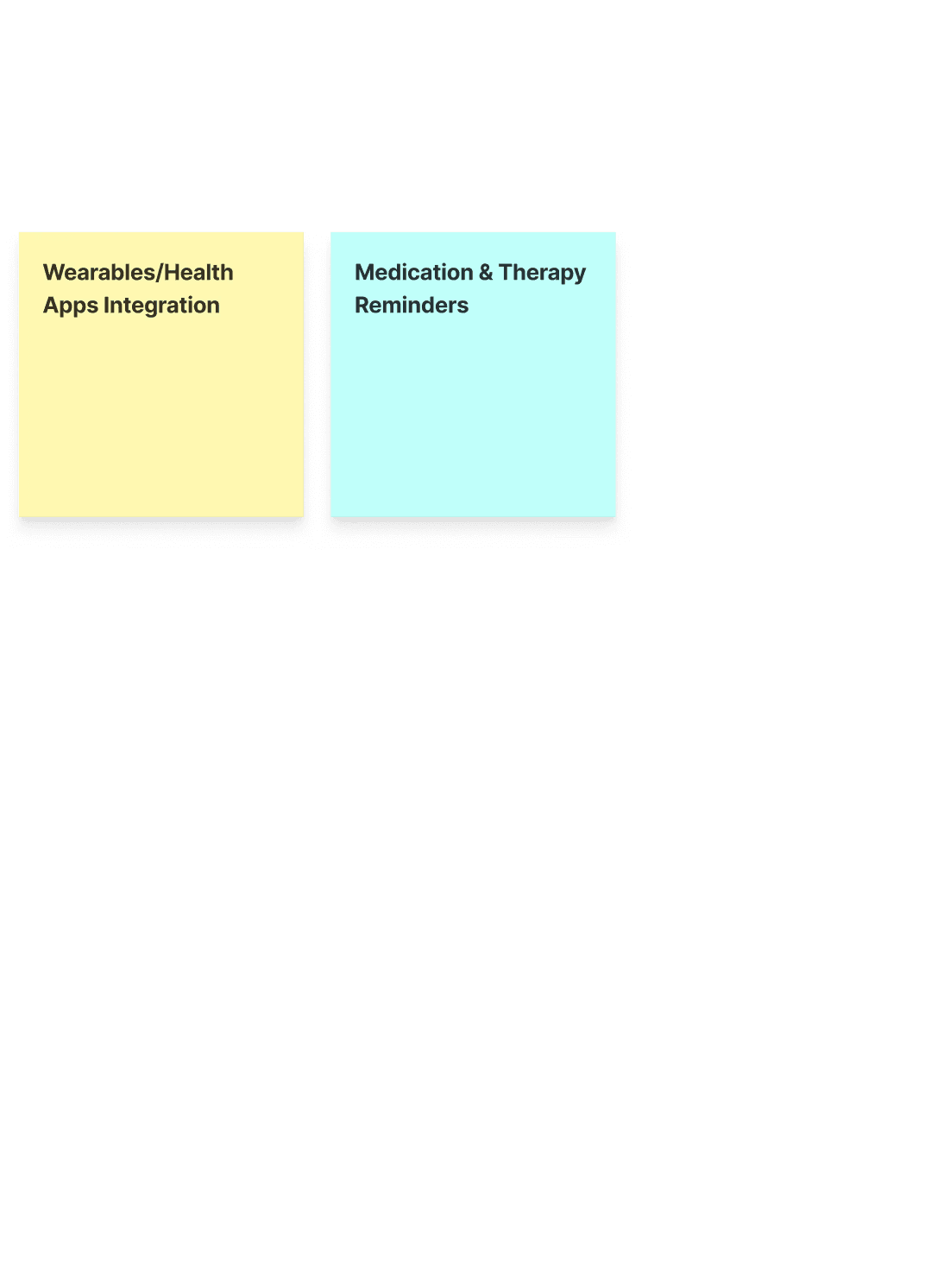
Personalization
Workout experience
Care support
Progress & Motivation
Product Definition
Defining the product.
Framing the vision and guiding principles
Before diving into screens, I like to map out the brand, mission, and core values. This gives a clear foundation, aligns focus, and ensures every design decision supports the product’s purpose.
MISSION
Everyone deserves a clear picture into their aging body and the tools to strengthen it on their own terms, with clarity and ease.
VALUE PROP.
Turn every moment seated into strength — monitoring your wellness, guiding your moves, and keeping loved ones in the loop.
EXPERIENCE PILLARS
The First Step
Simple to start, natural to keep - building healthy habits that last.
Strength Made Easy
Exercises and insights designed for everyday independence.
Health Without the Hassle
Measure vitals and stay connected - focus on moving, not managing.
Motivation That Fits
A gentle guide, supporting your flow and meeting you where you are.
Translating personality into design
The moodboard informed both visual and interaction design. Soft, grounded aesthetics paired with flexible behaviors ensure the product feels approachable and trustworthy.
MOODBOARD
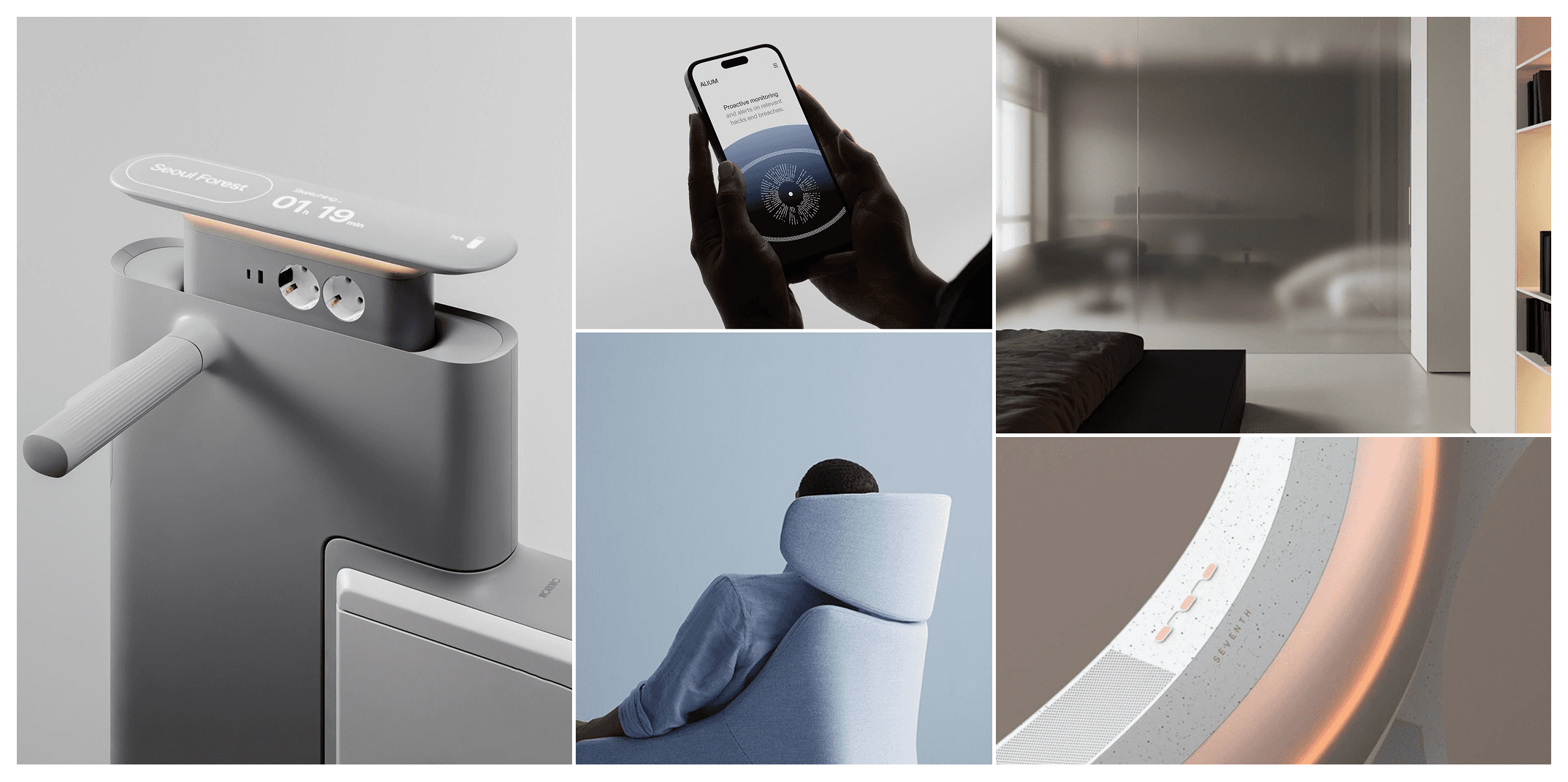
PERSONALITY & BEHAVIOR
Inviting, not overwhelming.
Attuned, not intrusive.
Supportive, not overbearing.
Flexible, not rigid
APPEARANCE
Poised, Gentle, Reliable
Thoughtful, Grounded, Purposeful
Balanced, Understated
Deciding on the signature experiences
With the product direction clear, I ideated experiences to balance guidance and autonomy, ensuring older adults could stay active without feeling overwhelmed.
Adaptive workouts, gentle assessments, and progress connected to personal goals and family support make building healthy habits approachable, meaningful, and empowering.
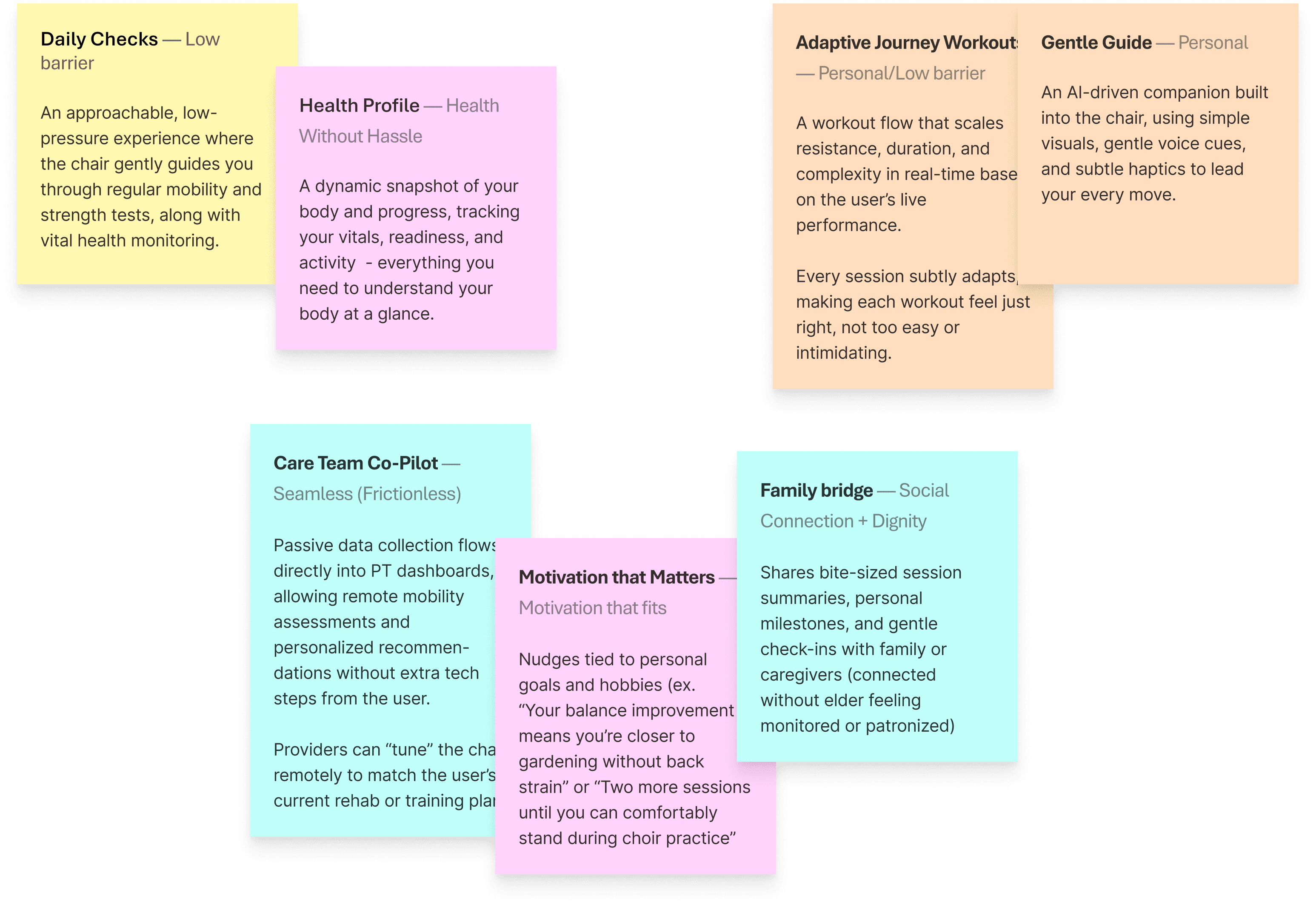
Final signature experiences for MVP prototype
Interaction Mapping
Mapping the interactions between chair and app.
Creating a cohesive experience
Because the chair and app needed to work as one system, we had to define how information flowed between them — what lived on the chair, and how it could power meaningful features in the app.
To clarify these relationships, I mapped the interaction inputs needed to support our features and complete the chair-to-human experience. Here’s a snippet:
BASIC CONTROLS
Info Beacon
A panel on the chair that displays key information based on the chair’s mode.
To keep users informed with relevant real-time data tailored to their current activity.
Mode Selector
One knob control for switching smoothly between Workout, Wellness, and Relax modes.
To make switching between chair functions quick and intuitive, reducing confusion.
EQUIPMENT
Resistance Band Hooks
Moving hooks on both sides that lock into place to hold resistance bands for various arm exercises.
To enable versatile arm workouts by positioning resistance bands for different exercises.
SENSORS
Chair Cushion Sensors
Embedded pressure sensors to detect posture and sitting balance.
To continuously monitor posture and balance for real-time feedback and adjustments.
Interaction map of chair
Challenges
Balancing feature complexity with elder accessibility
There were quite a few constraints we had to work with:
Limited screen real estate on the chair (info beacon)
Need for hands-free interaction during exercise
Varying tech comfort levels among users
Privacy concerns with connected devices
Does this feature add value or just cognitive load?
In designing the app, I received valuable feedback that elders often get overwhelmed by too many steps. To reduce fatigue, I simplified flows, increased font sizes, and used color sparingly to help focus on what truly mattered.
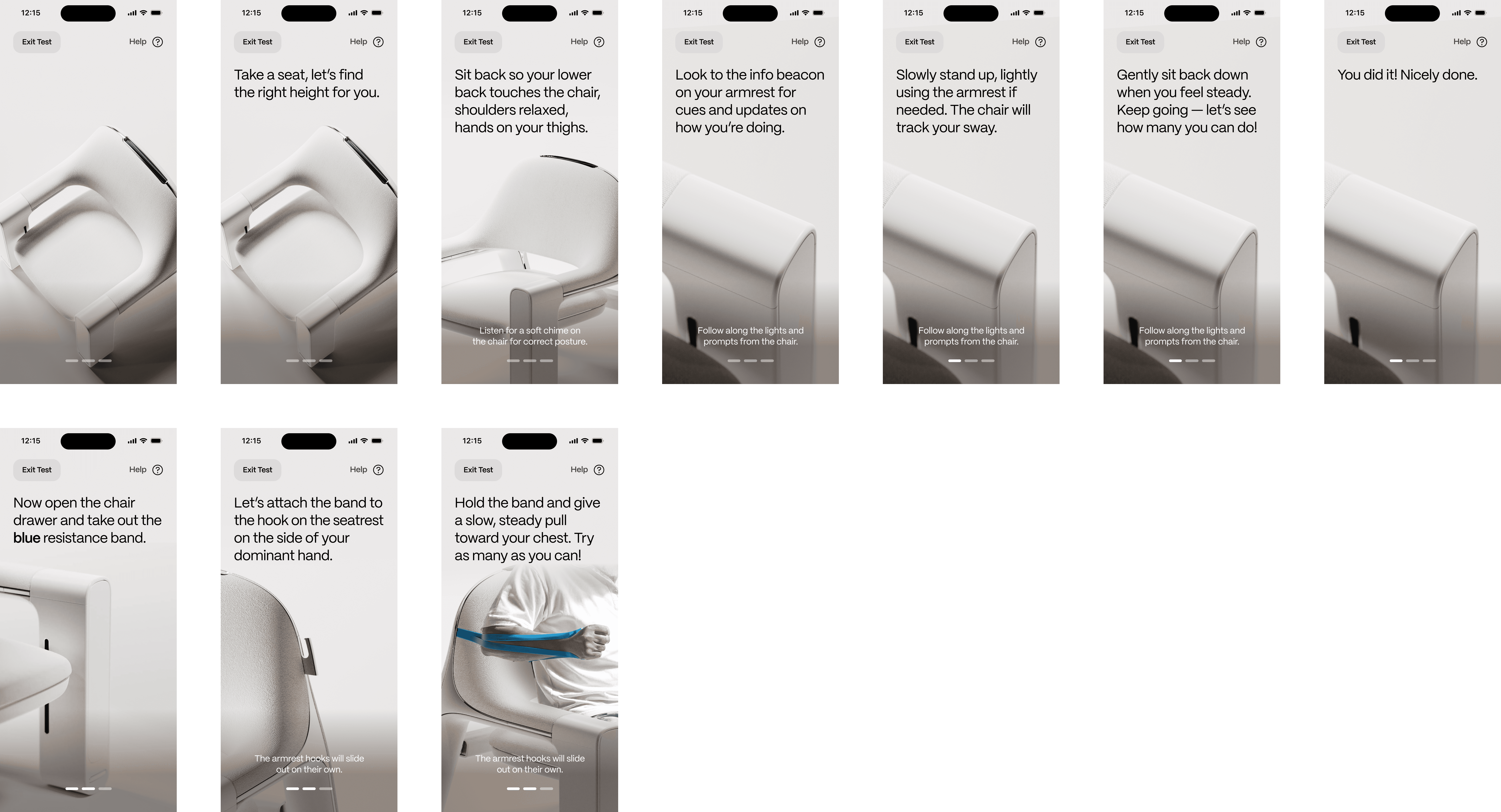
After (10 screens)
Onboarding Flow
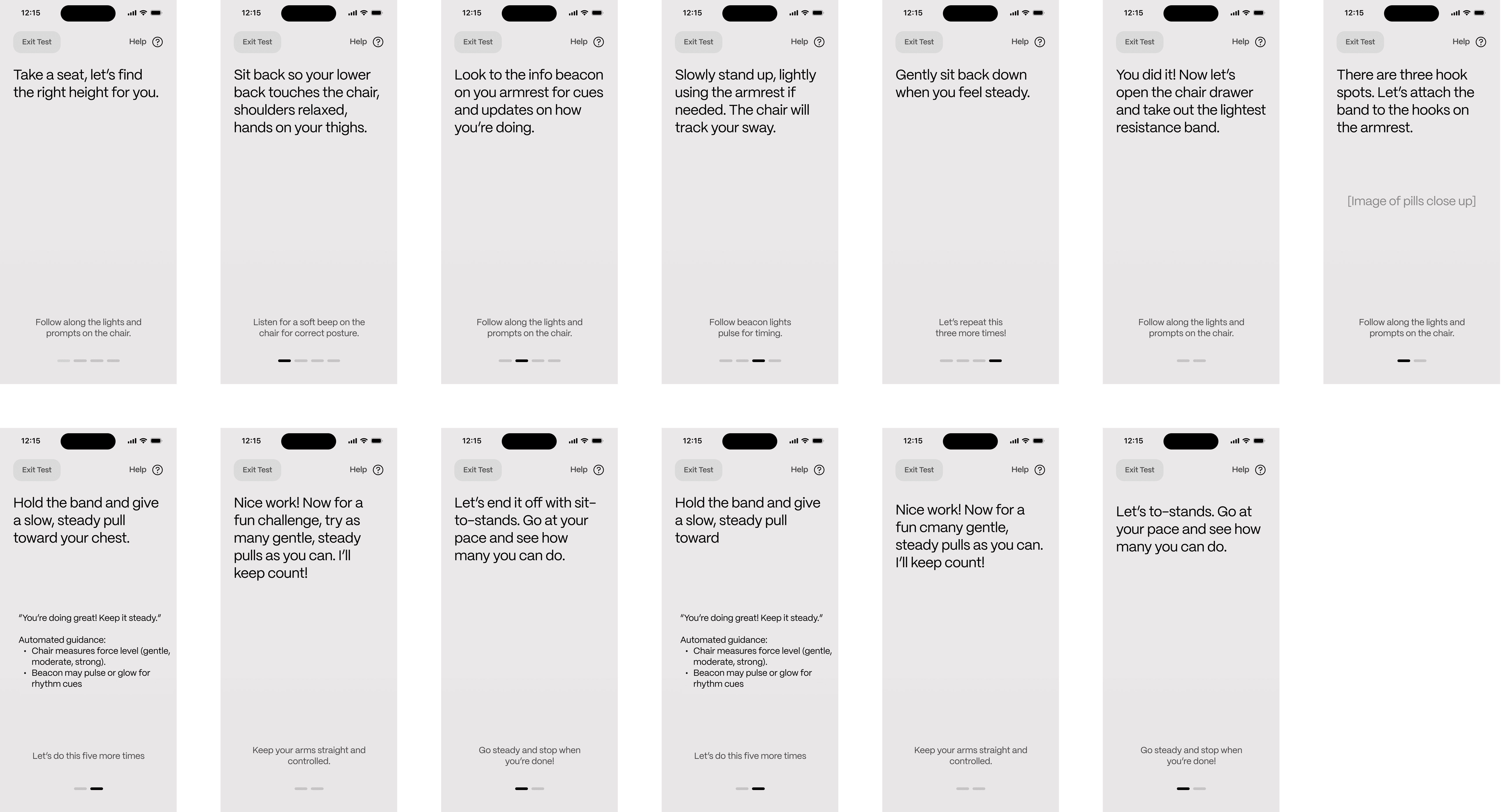
Before (13 screens)
Next Steps
What we'd do next
User test with actual baby boomers
Due to lack of time, we weren't able to see how well this truly fits into people’s lives. We’d need to validate emotional resonance, ease of use, and privacy expectations with actual baby boomers. I’m most curious about how PTs and family members interact through the system, and whether those touchpoints genuinely feel supportive rather than burdensome.
Refine user journeys
While we ended with the base products, I'd want to further refine every experience from the moment they unbox to daily use. Because of Motra's mission and audience, it’s crucial that the product creates an end-to-end experience that feels supportive, trustworthy, and human-centered throughout.
Prepare for engineering
Moving from concept to production, we’d refine the form factor and materials, validate which sensors best support our interactions, and prototype the core behaviors. The next phase would focus on testing durability, accuracy, and user comfort before moving into manufacturable iterations.
Looking Back